How to allocate and hand off sponsor event tickets
A sponsor ticket promise needs a path from agreed units to valid guest admission. Keep the sponsor allotment separate from general complimentary requests: it has a named partner, ticket categories, a handoff contact and a balance that may change before doors open. Start with the approved benefit, not an informal guest list.
Boletolibre editorial team
Published
Confirm the approved allotment
Download the sponsor ticket allocation and handoff worksheet (Markdown, English)
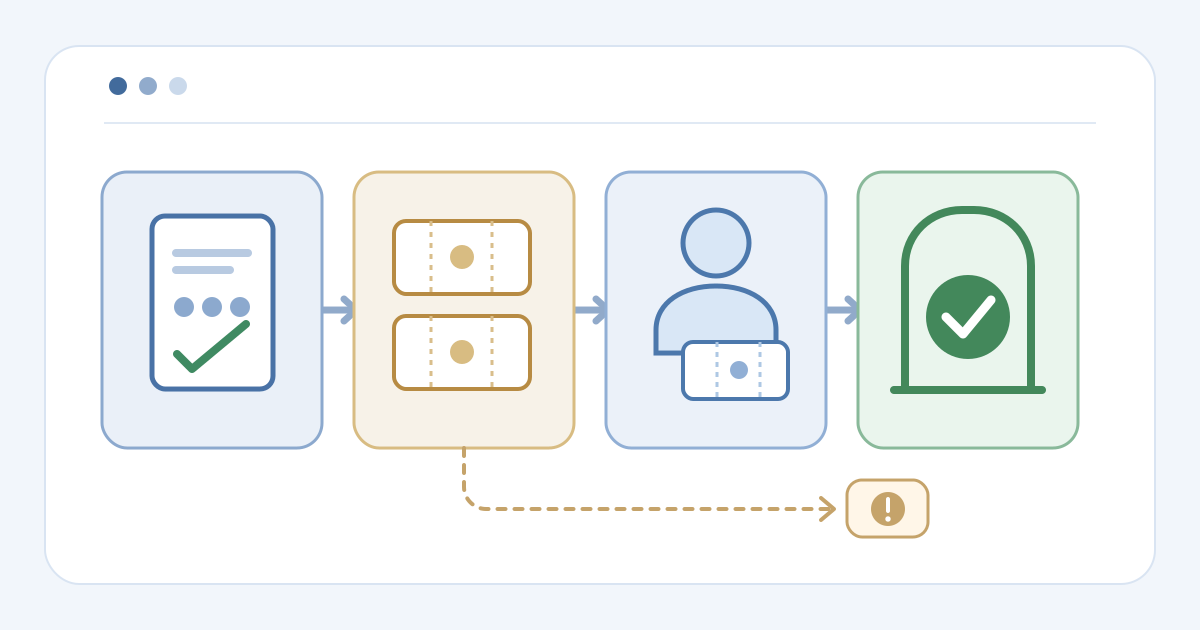
Enter the approved sponsor benefit by event, date, ticket type and access zone. Name the inventory owner and sponsor contact. Check the units against the event's capacity before opening distribution. Keep a separate count for promised units, provider allocation and actual guest tickets: a package promise does not itself reserve stock or admit anyone. The worksheet uses references and counts; keep agreement details and recipient data in controlled records.
Allocate tickets in the provider
Configure only the amount the provider can support and inspect its balance. run.events documents Sponsor Labels that set ticket quantities by sponsorship level, then permits changes for an individual deal in its Staff view. InEvent documents assigning a ticket type and quantity to a sponsor; it separates tickets available to that sponsor from tickets sent or assigned to attendees. These are different product models. Confirm what a changed allotment does to remaining event stock before telling the sponsor tickets are ready.[1][2]
Hand off distribution and test one ticket
Choose a representative and verify their permissions before handing over the allotment. run.events describes designating a sponsor representative who can assign issued sponsor tickets. InEvent documents adding sponsor team members to its People tab so they can distribute tickets from its Virtual Lobby. Do not assume a portal exists in another platform. Rehearse one authorized assignment or invitation, inspect the delivered attendee credential and test the correct event, date and access category. Record any failed invitation or duplicate for an owner to resolve.[1][2]
Reconcile the sponsor balance
Before doors open, reconcile each sponsor's approved units, allocated units, valid guest tickets and unresolved remainder. Keep voided or returned units and check-ins as separate states; do not add overlapping counters. Investigate an issued ticket that lacks an approved allocation, or a promised unit without an admission path. When a quantity changes, update the approved reference, provider allocation and affected guest tickets in a controlled order, then check stock again. Give entrance staff the current category rules and exception owner. After the event, compare valid issued tickets with admissions recorded, rather than assuming every sponsor allotment was used.
Sources and further reading
- How to give complementary tickets to Sponsors?run.events Community · Accessed
- How to allocate tickets to my sponsors and exhibitorsInEvent FAQ · Accessed