Synthetic vs real attendee data for event website testing
A believable rehearsal needs more than one dummy name. It may need a sold-out category, a failed payment, a duplicate registration, a group order and a confirmation email. But copying real attendee records into a preview site exposes information to a different set of tools and people. The leading result compares synthetic and masked production data. For an event team, the useful question is which data can exercise each attendee task while keeping production records and test side effects controlled.
Boletolibre editorial team
Published
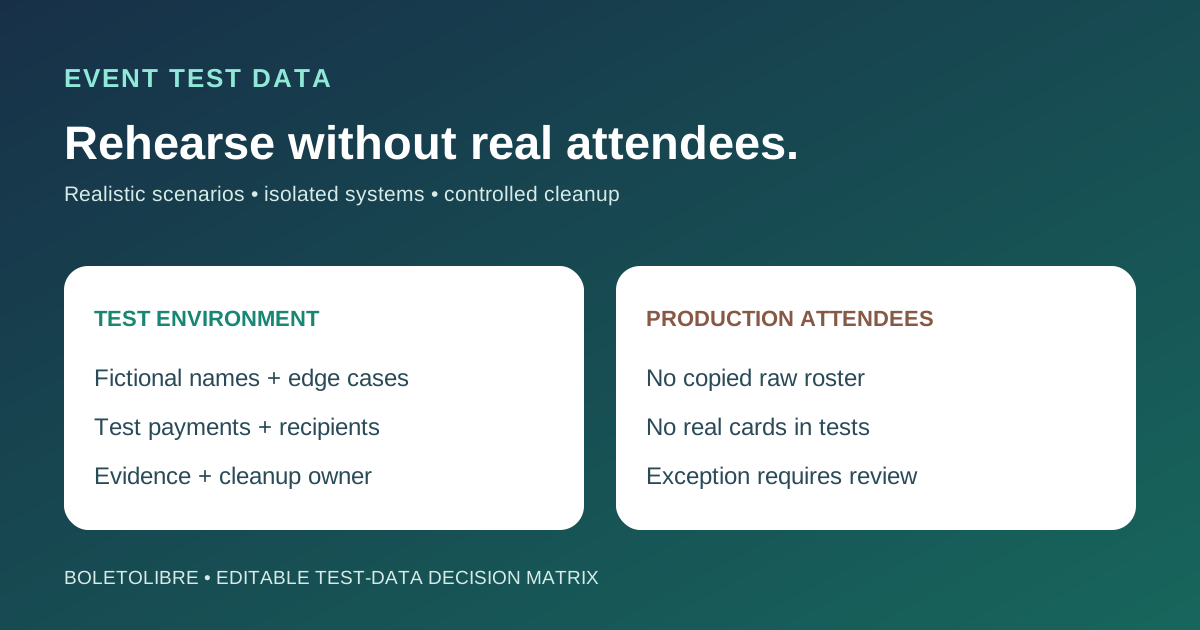
Start with synthetic cases, then identify the gaps
Download the editable event test-data decision matrix (Markdown, English)
Hand-created synthetic records give you control over edge cases and can be safely shared when they contain no real personal information. Production-derived records may preserve complex relationships, but merely removing names is not proof of anonymity. The UK ICO explains that information can remain identifiable when combined with other data. Synthetic data generated from real attendees may also inherit privacy risk. Do not call either approach automatically compliant; decide case by case with the data owner.[1][2][3][4]
Build an event-specific test scenario set
Create fictional attendees for normal registration, duplicate email, group purchase, sold-out tier, waitlist, accessibility request, dietary note, failed payment and ticket reissue. Use reserved example domains and obvious TEST labels so messages cannot be mistaken for real attendees. The worksheet maps each scenario to expected status, notification, door record and cleanup. Keep sensitive free-text fields fictitious; do not paste a real attendee story or medical detail to make the test realistic.[1][2][3][4]
Keep test and live environments visibly separate
Record which environment holds the test case, who can access it, where its files and logs go, and when it will be removed. Use non-production accounts and isolated storage where available. A preview site that still sends to a live mailing list, production webhook or attendee export is not isolated. Review integration destinations before running a rehearsal. If a production smoke check is unavoidable, use an approved minimal test identity, label and track it, and remove it under your retention policy.[1][2][3][4]
Use the payment provider’s test path
For payment journeys, use the provider’s test mode and test credentials rather than a real card or live purchase. Stripe says test keys and test cards should be used for test flows and prohibits using real payment method details in live-mode testing. Check your actual ticketing provider’s equivalent controls and whether sandbox orders could still send live email or connect to check-in. A test payment succeeding does not by itself prove the real ticket allocation and admission path are correct.[1][2][3][4]
Verify side effects and remove test traces
After testing, check the confirmation inbox, campaign list, CRM, analytics, ticket roster, check-in app, support queue and export jobs for test artifacts. Capture only the evidence needed to show the result; keep personal data out of screenshots and issue tickets. Record which synthetic records remain as reusable fixtures and which should be deleted. If production-derived data was used under an approved exception, document the protective transformation, access, expiry and deletion evidence. Retest after integrations or event rules change.[1][2][3][4]
Sources and further reading
- Synthetic vs. Production Data: Choosing the Right Test Data StrategyQAlified · Accessed
- Generate mock datasets for local developmentAWS Well-Architected DevOps Guidance · Accessed
- Test card numbers and test modeStripe Documentation · Accessed
- How do we ensure anonymisation is effective?UK Information Commissioner’s Office · Accessed