Check whether your website’s HTML, CSS and JavaScript are compressed
A hosting panel can say compression is on while a public page still sends large text responses without it. Check the response a visitor receives, one URL at a time. This audit is for public HTML, CSS and JavaScript; it does not prescribe compression for private or personalized responses.
Boletolibre editorial team
Published
Define a comparable public sample
Select a public document, one CSS file and one JavaScript file used by the same live page; record each resource’s hostname, which may differ. Record exact URLs, response status and file type. These text resources are sensible candidates because they can be encoded for transfer. A logo or photo is a separate image-format task; lack of Content-Encoding on an already compressed format is not evidence that text compression failed.[1]
This is a response-level audit, not a promise of a speed score. The server chooses a representation for a request; a tiny response, a cached response or a different content type may legitimately differ from the sample. Compare the same URL and request conditions before and after a change.[1]
Capture the browser request and response
In the browser Network panel, disable local caching for this check, reload, and select the actual HTML, CSS or JavaScript request. Read Request Headers for Accept-Encoding and Response Headers for Content-Encoding, Content-Type, status and Vary. Chrome’s large request rows show transferred and uncompressed sizes. Record the specific request instead of relying on a hosting toggle or a homepage total.[2][1][4]
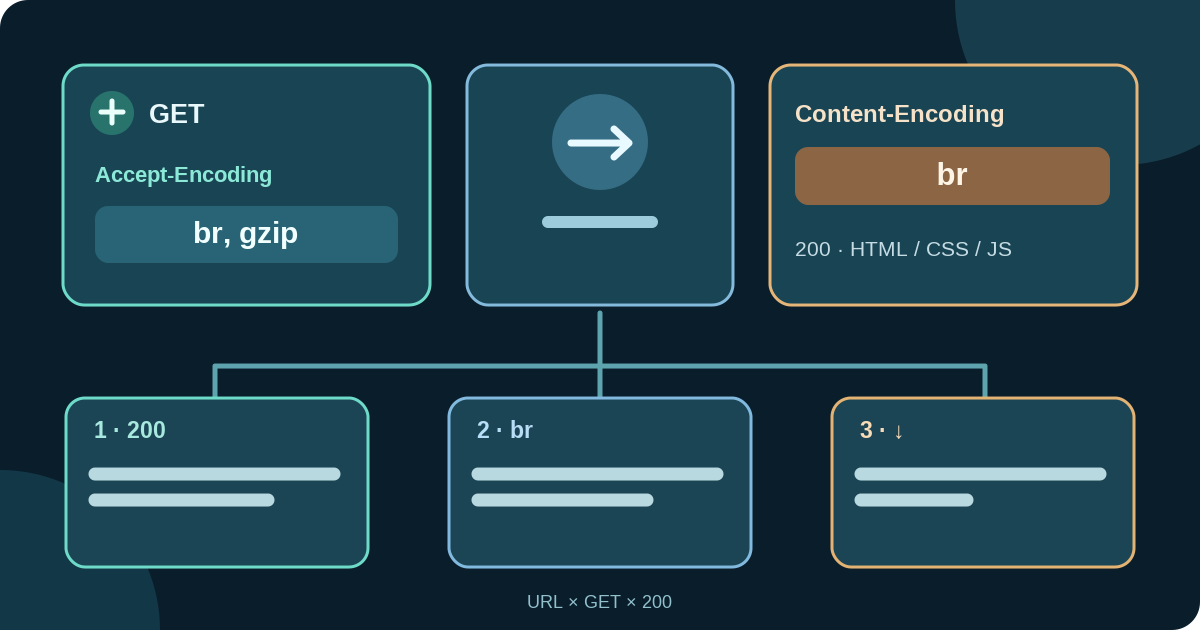
Accept-Encoding advertises codings the client can accept; it does not prove the response was compressed. Content-Encoding describes the coding applied to the representation, such as br, gzip or zstd. If a response is encoded, the header needs to identify it so a client can decode the body. A 304 cache validation or a local-cache hit is poor evidence for delivered bytes; capture a full network response.[2][1][4]
Interpret each row before calling it a failure
For a full 200 response with public text content, br, gzip or zstd in Content-Encoding is direct evidence of that coding. If Content-Encoding is absent, it is not automatically a defect: the body may be small, the MIME type may be outside the server’s compression rules, or that layer may serve an identity representation. NGINX, for example, has settings for minimum length and MIME types; do not assume another host has identical defaults.[1][3][4]
If a browser reports an encoded response but the page or asset breaks, investigate whether the delivered bytes and Content-Encoding agree. If a CDN sits before the origin, the public response can differ from the origin response; Cloudflare documents that its proxy may retain, change or remove compression between the two hops. Measure both only if you control and need to isolate those hops.[1][3][4]
| Observed response | Interpretation | Next check |
|---|---|---|
| Public text 200 with br, gzip or zstd | Coding applied on this response | Compare bytes and successful render |
| Public text 200 without Content-Encoding | Needs context; not proof of defect | Check size, MIME rule and serving layer |
| Already-compressed raster image without header | May be expected | Review image format separately |
| Local cache or 304 response | Insufficient transfer evidence | Capture a full network response |
Find which layer delivers the bytes
Locate the owner of the public response: web server, static host, CDN or managed platform. Ask for the documented rule that applies to the exact text MIME type and URL path. A blanket “enable compression everywhere” request is too broad. For a cache that stores multiple encodings, note whether Vary: Accept-Encoding or equivalent provider handling separates variants; the Vary header names request fields that influenced representation selection.[1][4][3]
Write a bounded change request with the URL cohort, current Content-Encoding, expected supported coding, serving layer and rollback owner. Avoid editing precompressed files or origin settings if the public edge is transforming them without first identifying that boundary. Keep the sample and timing so the next reviewer can reproduce the comparison.[1][4][3]
Retest the delivered representation
After the responsible layer changes, capture fresh full responses for the same HTML, CSS and JavaScript URLs. Confirm each has the intended status, Content-Type and Content-Encoding, that the browser decodes it and the site still renders. Compare transferred size with the prior sample under similar conditions; a compressed header alone does not prove a useful byte reduction.[1][2][4]
Check one unaffected resource and one client request that does not advertise the preferred coding, if your test tools allow it. HTTP negotiation can select another acceptable coding or an unencoded representation. Recheck the public edge after any cache refresh. Record the observed result, not “gzip enabled” as a site-wide claim based on one file.[1][2][4]
Copy the compression audit sheet
Copy one row per public resource and fill every evidence field. If an item is intentionally not compressed, record the owner’s reason and stop treating it as a missing feature. Share only public URL and response data; keep private request headers and personalized content out of this sheet.
| Field | Record |
|---|---|
| Resource and cohort | Public URL; HTML, CSS or JavaScript |
| Request conditions | Time, browser, Accept-Encoding, local cache state |
| Response identity | Status, Content-Type, serving hostname |
| Compression evidence | Content-Encoding; Vary if present |
| Byte comparison | Transferred and uncompressed size; same test conditions |
| Delivery owner and decision | Origin, CDN or host; expected or change needed |
| Retest and rollback | New response, rendering check, owner, prior setting |
Sources and further reading
- RFC 9110, Content-Encoding, Accept-Encoding and VaryIETF HTTP Working Group · Accessed
- Network features referenceChrome for Developers · Accessed
- Module ngx_http_gzip_moduleNGINX · Accessed
- Content compressionCloudflare Speed · Accessed