Event microsite or a page on your existing website? A practical decision guide
An event can live as a page on your organization’s website or as a separately operated microsite. Both can explain the event and lead to an official registration or ticket destination. The decision is less about visual polish than about who can publish correct facts, maintain the URL and fix a broken path before, during and after the event. Use the editable grid to compare the actual work your team can support.
Boletolibre editorial team
Published
Define the two options by the work they create
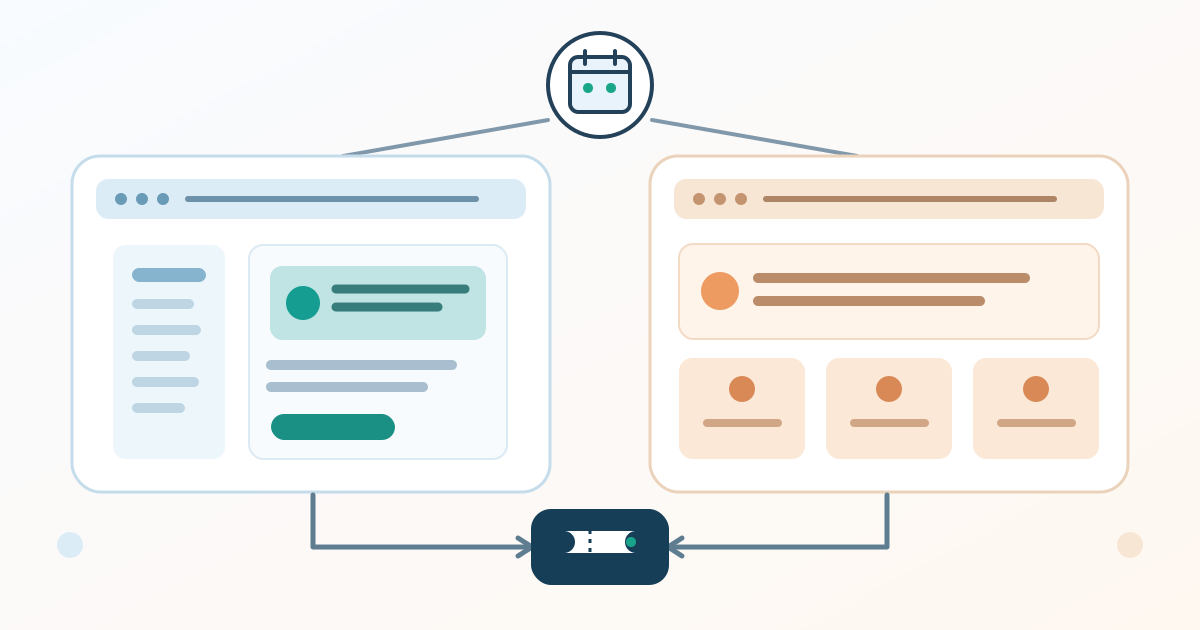
Here, an existing-site page means an event URL published and maintained in your organization’s current website and content system. A microsite means a separately operated event-focused site; it may use its own domain or a subdomain. A dramatic design inside the current site is still a page if the same system and team operate it. Write down the real URL and operating boundary before comparing proposals.
A single page may be enough for a workshop with date, location, agenda summary and one clear registration link. A multi-page conference might need separate program, speaker, travel and sponsor sections. Neither format automatically makes the facts accurate or the ticket journey usable. List the content you actually have approval and staff to maintain; do not buy pages merely because a template offers them.
Start with the attendee path and content scope
Walk the path from an invitation or search result to the public event facts, then to the actual registration or ticket destination. Note every hostname and team that owns a step. If checkout is hosted elsewhere, changing the marketing site will not necessarily change checkout details. Test the destination and price or admission wording against the confirmed event record.
Ask whether visitors need a distinct event identity, several routes through a large program, multiple languages, or a stable annual home. Then ask whether the current website can already publish those sections clearly. Do not assume a separate site improves search visibility, measurement or conversions; those outcomes depend on implementation and evidence. The choice should solve a visitor or editorial need you can name.
Put an owner beside every recurring task
Download the editable ownership and maintenance grid (Markdown, English)
Download the English ownership and maintenance grid. Compare the options for URL and domain control, hosting and certificates, editor permissions, event facts, registration links, analytics access, support contacts and post-event storage. Put a named owner and backup beside every task, plus the source that proves a date, venue or ticket fact. A blank owner is an unresolved operating cost, even if the page-build quote is low.
Count both one-time setup and recurring work. A microsite may introduce another account, release process, renewal, measurement property or supplier handoff; an existing-site page may require central web-team approval or fit within a rigid layout. These are possibilities to verify in your actual setup, not universal properties of either option. If an agency builds the site, specify who receives editable content and access when the engagement ends.
Rehearse a change before choosing
Run the same small trial on each viable option: publish a draft event page, correct one session time, replace one approved ticket link and remove one outdated notice. Record who edits, who approves, how long a correction waits and how the published result is checked. Open the page and ticket link on a phone, and move through navigation and controls with a keyboard. A polished demo is less useful than a correction your real team can complete.
Simulate an editor being unavailable. Can the backup find the source of truth, enter the system, change the page and tell attendees where to go if the external ticket service is unavailable? Use only an official verified alternate ticket path or a clear support message. A different website address does not create an independent ticket service.
Decide what remains after the event
Before launch, choose what happens to the URL after the event. Keep useful edition-specific information when it has a clear purpose, or point visitors to the appropriate current edition or series hub. If you later move content to new URLs, map each old URL to its corresponding new page and plan redirects and link updates; Google Search Central describes this as a site move with URL changes. Do not send every old event page to a generic home page without checking what visitors expected.[1]
For a microsite, name who will pay for and maintain any continuing domain, host and security updates. For an existing-site page, name who will mark the edition as past, preserve or remove obsolete ticket calls to action, and update navigation. The after-event work belongs in the initial decision, not an unassigned clean-up task.
Record the choice and its conditions
Write one sentence that links the choice to the evidence: for example, ‘Use an existing-site page for this monthly workshop because the current editor can update it and the one ticket link has a tested owner,’ or ‘Use a microsite for this annual conference because the approved program needs several sections and a named team can maintain the separate system.’ These are scenarios, not prescriptions.
Record the proposed URL, accountable editor, backup, official registration destination, launch check, annual or final review date, and unresolved supplier questions. Revisit the choice when the event’s scope or staff changes. The editable grid should make the cost of operating the chosen option visible before anyone registers a new domain or launches another site.
Sources and further reading
- How to move a siteGoogle Search Central · Accessed