Abandoned event registration emails: design the trigger and stop rules
A person begins event registration, leaves, then receives a reminder after completing the order. The email's wording cannot fix a wrong trigger. Before enabling an abandonment reminder, define the evidence of an unfinished attempt, the conditions that stop sending and the cases you will test. This is a workflow check; the separate incomplete-registration guide covers draft-versus-missing-detail copy.
Boletolibre editorial team
Published
Require an identifiable unfinished attempt
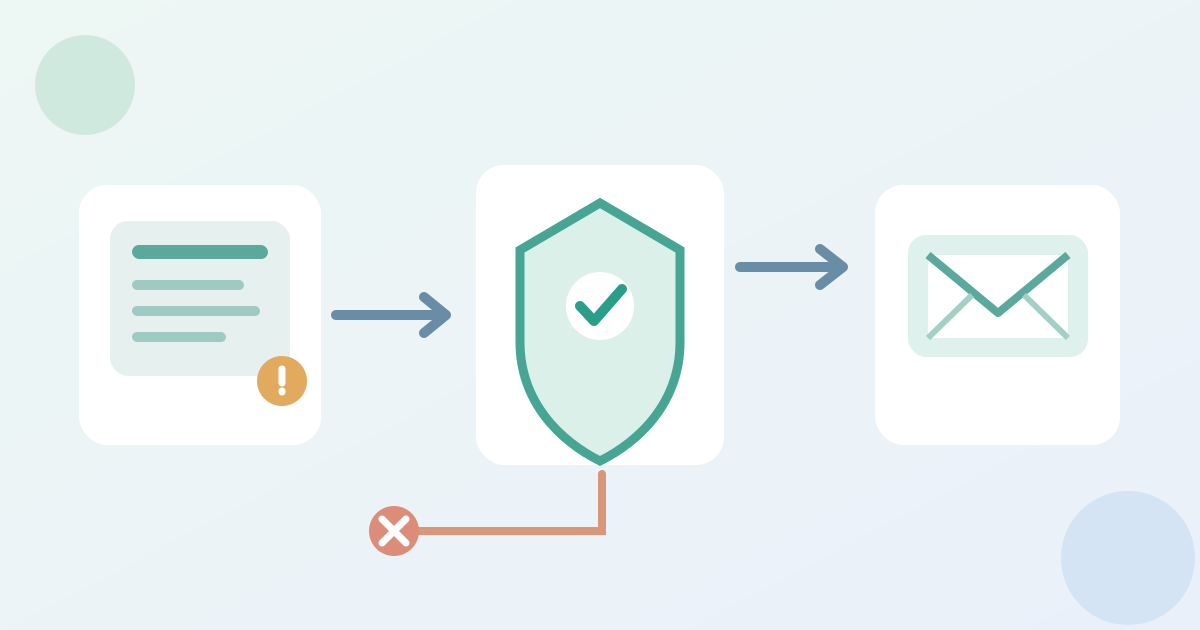
Choose the actual start event in the registration system: a saved draft, a checkout start or another provider-defined state. A page view or an address typed into an unsent field is not automatically an abandoned registration or an approved contact route. Record which event edition, ticket choice and contact identity can be connected reliably. Novi, for example, starts its reminder after a logged-in person clicks Register Now and does not finish checkout; Swapcard describes a stored incomplete registration with an organizer-controlled follow-up option. These are product examples, not features to assume in your own platform. Confirm whether the sender has a valid way to reach that person under the organizer's reviewed messaging rules.[1][2]
Recheck the state immediately before sending
A queued reminder must be checked against current records, not only the state at entry. Suppress it when the same attempt produced a confirmed registration, when the relevant ticket is unavailable or registration has closed, or when the contact is no longer eligible for that message. Treat pending payment and missing details on an accepted registration as separate states; neither justifies saying 'finish your registration' without checking the record. Decide what happens if the person returns to the form, changes ticket type or restarts the attempt. Novi documents a timer that resets after renewed activity and checks availability and closure before sending, but your provider's delay and re-entry behavior may differ. Do not copy its timing options as a universal cadence.[1]
Keep the message true to the current event
The reminder should identify the event and say that no completed registration or ticket has been verified for this attempt. Point to the provider's approved resume or fresh-registration route, if one exists, and test that link. Recheck the event date, ticket choice and any real deadline before the message is released. If the chosen ticket is gone but another option remains, do not imply the original choice is reserved; show only what the current registration page actually offers. Route support replies to a monitored owner. Keep transactional confirmations, payment-status messages and promotional follow-ups distinct in the workflow map.[1]
Test the transition cases and sign off
Use the editable matrix to run controlled cases: leave an eligible attempt unfinished; complete it before the delay; revisit the form; close registration; exhaust the relevant ticket; and try a record that cannot be identified or contacted under the approved process. Record the expected send or suppression and the actual provider event, with test references rather than personal details in a shared sheet. Some products do not fire these messages in their impersonation or preview mode; Novi explicitly notes that limitation. Verify the actual test method before concluding that a silent test proves suppression. Hold activation if a completion, closure or eligibility gate cannot be demonstrated. Name the flow version, owner and retest needed after a rule or event-date change.[1]
Download the abandonment-trigger test matrix (Markdown, English)
Sources and further reading
- Event Registration Abandonment EmailNovi AMS Knowledge Base · Accessed
- Using the Abandoned Registration featureSwapcard Organizer Studio Help Center · Accessed