Event venue-change email template for ticket buyers and attendees
When an event moves to a different venue, buyers need the new arrival facts in a message they can act on. Confirm the change before sending, and do not assume that updating the event page or a calendar file reaches people who already booked.
Boletolibre editorial team
Published
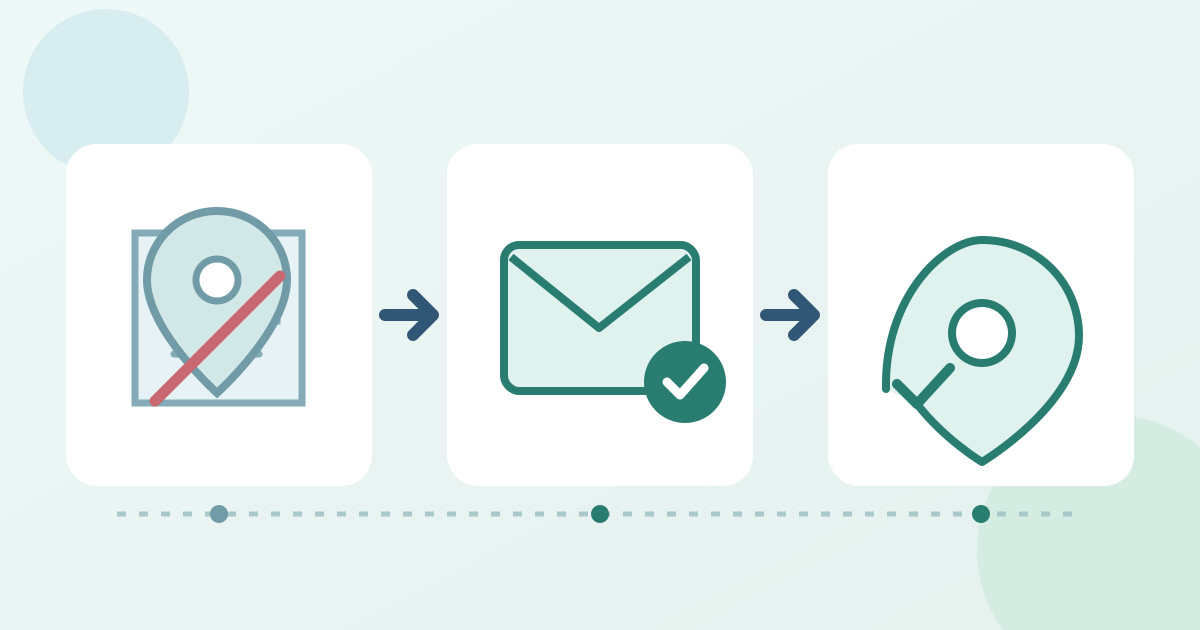
Confirm the approved change
Record the old and new venue names, full public address, entrance, event date, local start time and any changed access or parking details. Mark each fact as changed or unchanged. Ask the ticketing and venue owners to confirm what happens to existing tickets and what help or options can actually be offered; do not invent a refund or validity promise.
Write the notice around arrival
Download the editable venue-change notice and send sheet (Markdown, English)
Put “Venue changed” and the event name in the subject. Lead with the new location and the date and time, then give a clear entrance or directions link and a support contact. The editable notice includes a short email with placeholders and a fact-approval sheet. Keep the essential address and entry instruction as text rather than relying on a map image.
Reach the right recipients
Choose the affected audience using the filters your sending system actually offers, send a test to a controlled inbox, and check the actual recipient count before release. A buyer may hold tickets for other people: Ticket Tailor, for example, says its event broadcasts go to buyers, not automatically to every attendee. Verify your provider’s audience and use another approved route for holders who need the update. Keep recipient personal data in the source system, not the worksheet.[1]
Update and check every public route
Update the event page, current arrival instructions, venue map and future confirmation text that you control. Ticket Tailor documents editing event-specific confirmations, but the available control depends on the provider. Test the public link and directions on a phone, brief door staff on the old-to-new redirect, then record send time, audience, unresolved delivery reports and the person who owns follow-up.[2]
Sources and further reading
- How to send announcements to your ticket buyers using Email broadcastsTicket Tailor Help Centre · Accessed
- How can I edit my Event confirmation email?Ticket Tailor Help Centre · Accessed