How to remove an attendee from one conference session
A person may drop a workshop yet still attend the conference. Treat the session booking, event registration and check-in record as separate items before changing anything.
Boletolibre editorial team
Published
Identify the exact booking
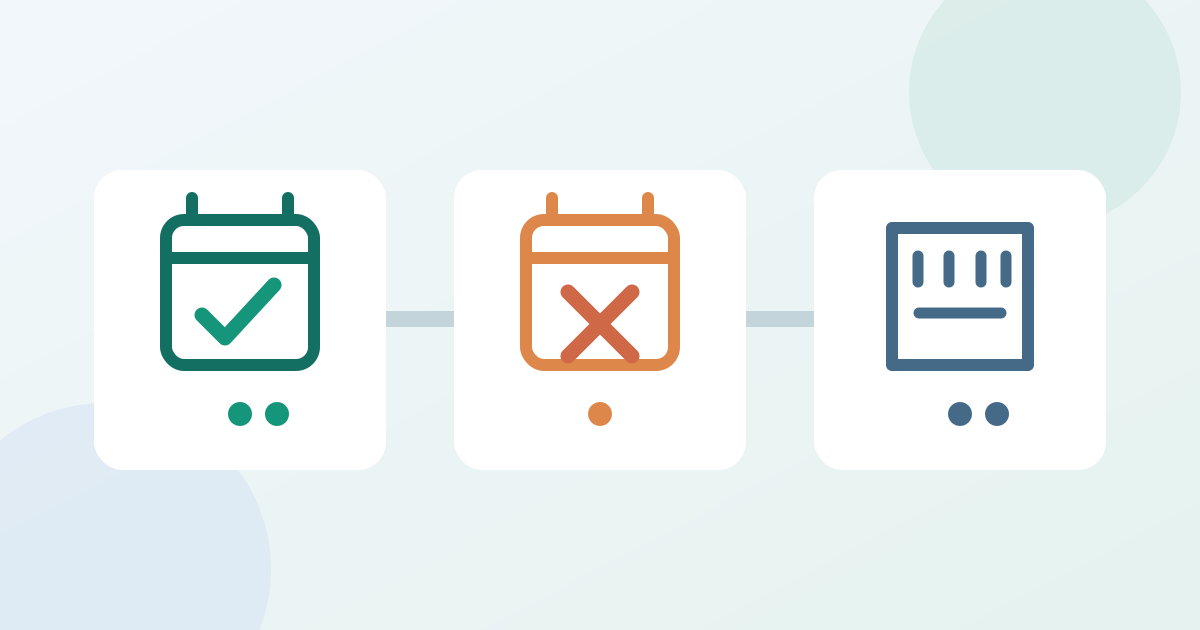
Confirm the event, session occurrence and attendee record; verify the request is session-only. If a fee or separate admission entitlement is involved, use the provider's applicable modification process. Note the session roster count before changing it.
Remove only the session registration
Use your platform's session roster or the attendee's session schedule, selecting only the intended person and session. Cvent's bulk session action can unregister selected registrants from a session, but its documented bulk feature excludes paid sessions. Expo Pass documents removing a selected attendee before the session begins; Accelevents documents an Unregister action in the attendee's Sessions view. Follow the controls actually available in your system, and review a bulk selection before confirming.[1][2][3]
Check the remaining records and message
Refresh the roster: confirm the session booking is gone while the event registration and other sessions remain as intended. Check the displayed count, then verify buyer-facing availability before promising the place is bookable. Check whether your platform sends a session message or staff must contact the attendee. Cvent offers a session registration email choice for its bulk action; it does not trigger the event modification confirmation email. Leave check-in unchanged and assign unresolved cases to a registration owner.[1]
Download the session-only removal verification card (Markdown, English)
Sources and further reading
- Registering or Unregistering Session Registrants in BulkCvent Knowledge Base · Accessed
- How to Remove an Attendee from a SessionExpo Pass Help Center · Accessed
- Register Attendees to SessionsAccelevents Help Center · Accessed