How to prevent avoidable conflicts in a parallel conference agenda
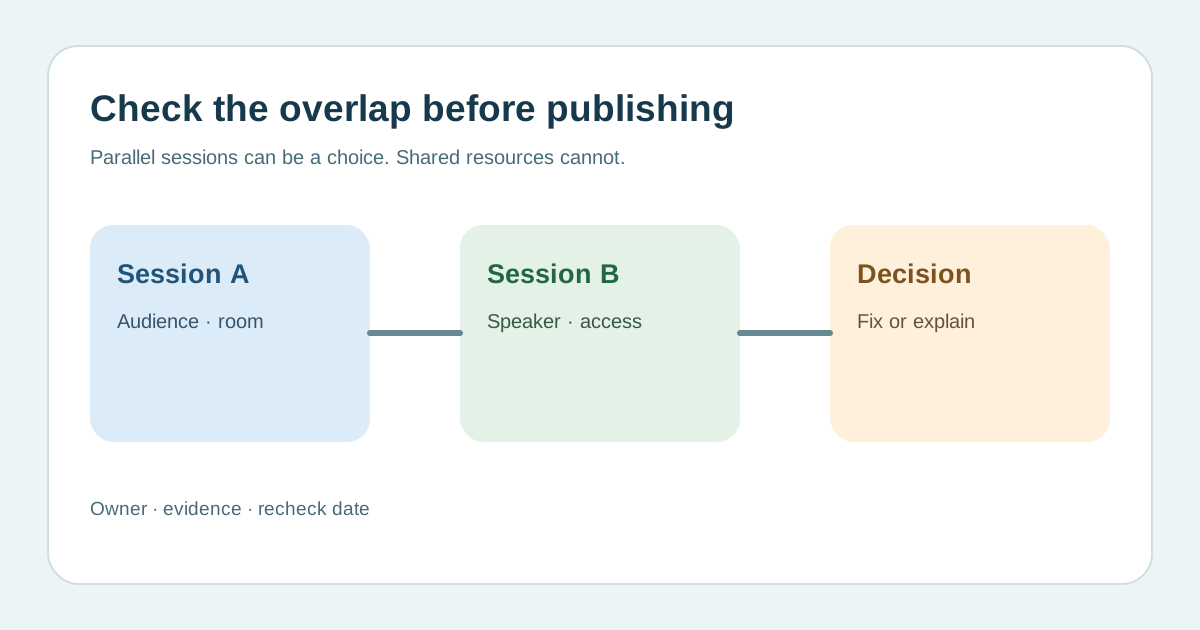
Parallel sessions are useful precisely because attendees can choose. A conflict is not every overlap on the grid: it is an overlap that makes the intended programme impossible or forces the same audience to miss two essential sessions. Before publishing the agenda, compare audience demand, people, spaces and movement, then document which trade-offs are deliberate.
Boletolibre editorial team
Published
Map audiences before moving time slots
Download the editable parallel-session conflict register (Markdown, English)
List each session’s intended audience, required or optional status, topic and available capacity. Mark pairs that serve the same group or share an essential prerequisite. Ask whether the same attendee can reasonably choose one, attend both, or use a later recording. Treat preregistration or survey signals as evidence, not a guarantee of turnout. Dryfta’s leading guide recommends audience segmentation; this worksheet adds a recorded decision for every real clash.[1]
Separate hard resource conflicts from attendee choices
A speaker, moderator, interpreter, captioner, room or piece of equipment cannot be committed to two simultaneous sessions unless a substitute is confirmed. Record these as hard conflicts with an owner and a new slot or resource. Overlap between two electives may be intentional, but call it out when both target the same role or track. Check room capacity, session eligibility and presenter availability before treating a software green check as proof that the schedule works.[1]
Measure transitions rather than copying a buffer rule
Walk the accessible route between rooms and include exit, turnover, questions and entry in the time needed. W3C advises providing information about accessible routes and considering breaks in event schedules. Large venues, lifts, queues and captioning or interpreter handoffs change the transition. Avoid a universal number of minutes; record the measured or locally agreed assumption for each transition and revise it if a room changes.[4]
Align registration settings with the published offer
If attendees build a personal agenda, configure concurrent-session rules and inspect what happens when they select two overlapping sessions. Cvent documents a conflict list and switching flow when concurrent sessions are disallowed; Blackthorn documents overlap prevention but warns that its validation does not cover every manual registration path. Test the actual attendee and administrator paths on your platform. A published programme can allow choices even where registration must prevent impossible bookings.[2][3]
Resolve, publish and retest the final grid
For each conflict, write severity, affected group/resource, decision, approver and check date. Move a session, add another delivery, change the intended audience or leave a clearly explained choice. Recheck the grid after any speaker, room, capacity or format change. The attendee agenda should expose the final start/end time, time zone, room and eligibility. Ask someone outside the planning team to attempt the most likely personal itinerary before release.[2]
Sources and further reading
- How to Manage Parallel Conference SessionsDryfta · Accessed
- Registering for Sessions on the Attendee HubCvent Support · Accessed
- Overlapping SessionsBlackthorn Documentation · Accessed
- Making Events AccessibleW3C Web Accessibility Initiative · Accessed