How to design a hybrid event programme for in-person and remote attendees
A hybrid programme is more than a room agenda with a video link attached. This editable session matrix makes the promise on the event page testable: what can each audience see, hear, ask, do and revisit? It helps organizers avoid advertising a passive stream as the same experience as a workshop in the room. Plan the two audience paths together, with named people responsible for their connection points.
Boletolibre editorial team
Published
Write the participation promise for each session
Download the editable hybrid session programme matrix (Markdown, English)
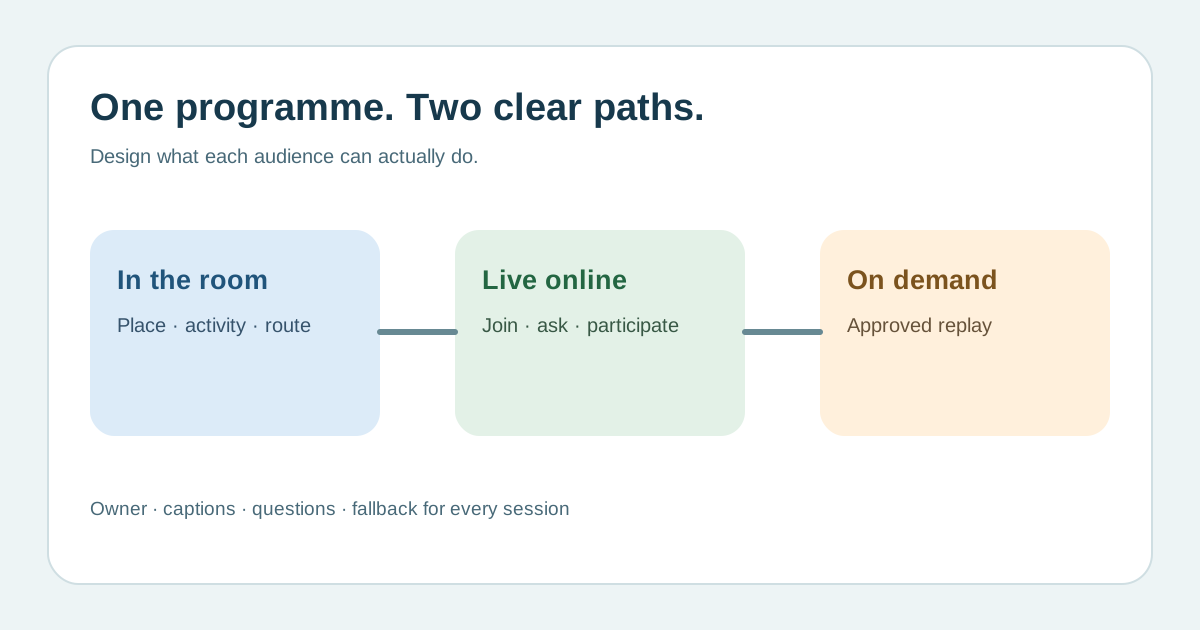
Start with attendee outcomes rather than a platform feature list. Mark each session as in-room only, live broadcast, two-way hybrid, remote only or recording available later. A broadcast is a valid offer, but a chat box, moderated questions and shared activity must be planned if the remote audience is promised participation. State whether remote seats can ask a question, join a breakout, meet a speaker or simply watch. Cvent documents that platforms can present live, simulive and on-demand sessions; which options are enabled is an event decision, not an automatic entitlement.[1][3]
Draw the two audience journeys
For every session, give the room location, accessible route and transition to the next space; give the remote join route, access credential, time zone and local start time. Put joining instructions where a registered attendee can actually find them. Decide whether a late remote arrival can join live or will wait for a recording, and when any recording will be posted. Ask someone who did not build the programme to follow both paths from invitation to the next session. Do not imply that a recording exists until capture, consent and publication are approved.[1]
Assign hosts and make the interaction route visible
Name the room host, remote moderator and producer. Specify where room and remote questions arrive, who combines them, how the speaker hears them and what happens if a question is not taken. A remote attendee cannot rely on hallway conversation to resolve confusion. Give each audience a clear help contact and say when a poll or activity is unavailable to one side. Record these responsibilities in the session matrix.[1]
Plan access, sound and captions across both spaces
Check microphone pickup for the speaker and in-room questions, audio feed to any remote captioner, caption display online and in the room when required, and accessible copies of slides. W3C advises organizers to make both venue and remote platform accessible and to coordinate captioners, interpreters and materials in advance. Screen sharing alone may not make slides usable for all participants. Record who tests each route and how an attendee requests an alternative. Captions for a later recording need their own review rather than an assumption that the live feed is sufficient.[2]
Rehearse the transitions and define a fallback
Run a programme rehearsal from both a seat in the room and an attendee device outside the production network. Check the start link, waiting room, stream sound, shared activity, Q&A handoff, break slide, return cue and the next session. Decide who announces a failed stream, whether the room continues, where remote attendees receive an update and whether a replay will be offered. Use actual platform capabilities and production constraints; no fixed session length or rehearsal week fits every event. Keep the matrix current when a speaker, format, link or caption supplier changes.[2][1]
Sources and further reading
- What is Hybrid Event Planning?Guidebook · Accessed
- Making Events AccessibleW3C Web Accessibility Initiative · Accessed
- Welcome to Attendee HubCvent Support · Accessed