How to delay event-ticket delivery after purchase
A completed order and an entry credential need not arrive in the same message. If your provider supports delayed delivery, set the release condition before sales begin. Tell buyers the known delivery time or condition, the delivery channel and when they will receive an update if the release depends on approval.
Boletolibre editorial team
Published
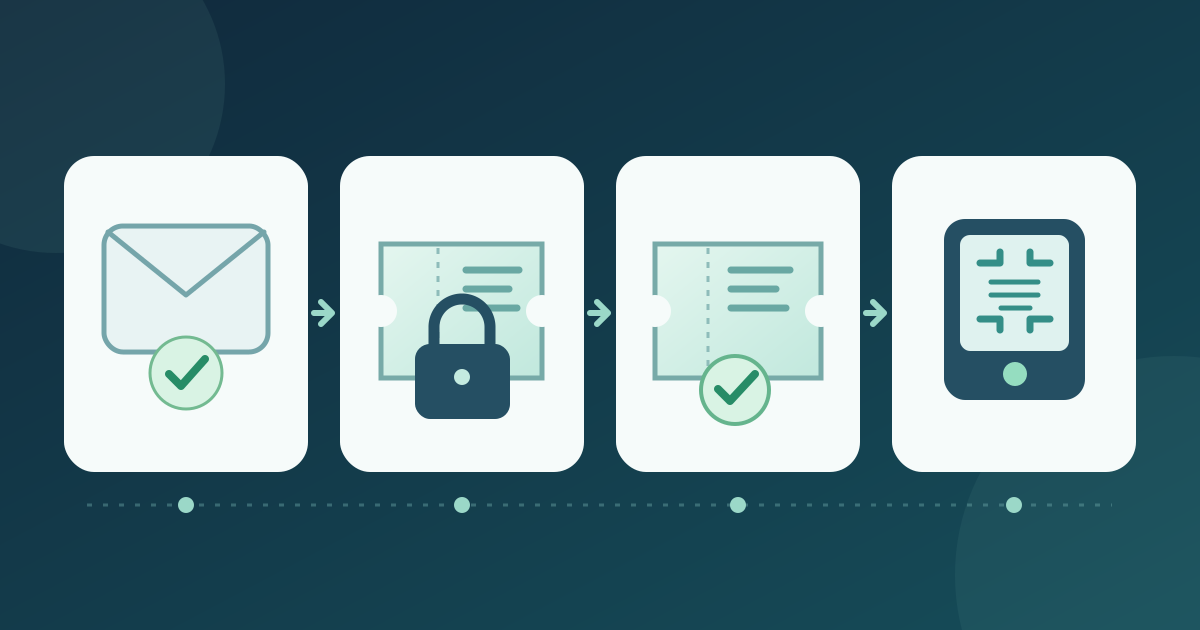
1. Define which tickets are held
Download the delayed-ticket delivery and release test card (Markdown, English)
List the event, ticket types and orders covered, the release date or approval trigger, the person authorized to release, and the arrival fallback. Check your platform's actual eligibility before changing anything. Eventbrite Music requires its Mobile delivery method to remain enabled and selected for an order to qualify; it directs other orders to Will Call. Tickera's documented alternative applies to its Bridge for WooCommerce setup and uses WooCommerce order status. Neither path is a universal ticket setting.[1][2]
2. Keep the confirmation truthful
The buyer should receive an order confirmation without a misleading promise that a ticket is already attached. State the known release time or condition, delivery channel, next update if timing is uncertain, and help route if nothing arrives. Eventbrite Music explicitly has organizers customize its confirmation email while printable tickets are disabled. Tickera's WooCommerce recipe separates its Processing confirmation from the Completed email that carries ticket links. Keep this wording consistent on the checkout confirmation and in support replies.[1][2]
3. Test the held state
Make a controlled purchase for a held ticket and inspect the real email, account, app and print routes that your provider offers. Record whether any usable ticket or link appears before the planned release; do not infer this from a setting label. Repeat with a ticket that should be delivered immediately, and with the alternate pickup route if you offer one. If either path behaves differently than the buyer message says, correct the configuration and test again before broad sales.
4. Release and verify tickets
At the approved release point, perform the documented action for your provider and remove obsolete hold language. Eventbrite Music instructs organizers to restore printable tickets, then email attendees with the ticket link. Tickera's WooCommerce-mode recipe moves the selected order from Processing to Completed to trigger its ticket-link email. Check a controlled recipient's delivered message and ticket access. Separately verify the resulting credential against the planned admission method; email delivery alone does not prove gate acceptance.[1][2]
5. Close the support loop
Record which group was released, when, by whom, and the result of a sample delivery and admission check. Give support staff a lookup and escalation route for a confirmed buyer whose ticket is still unavailable. Keep purchase confirmation, ticket release and check-in as separate states so one successful step is not mistaken for all three.
Sources and further reading
- How to set up delayed delivery with Eventbrite MusicEventbrite Help Center · Accessed
- Withholding ticket delivery for specific events with WooCommerceTickera Documentation · Accessed