Embed a venue map on an event website: pin, fallback and publish checks
A venue map helps only if it points people to the right place and leaves another way to arrive when the embed does not load. Check the public place result against the entrance attendees should use. Then publish the map with a written address and direct directions link, and test the actual page.
Boletolibre editorial team
Published
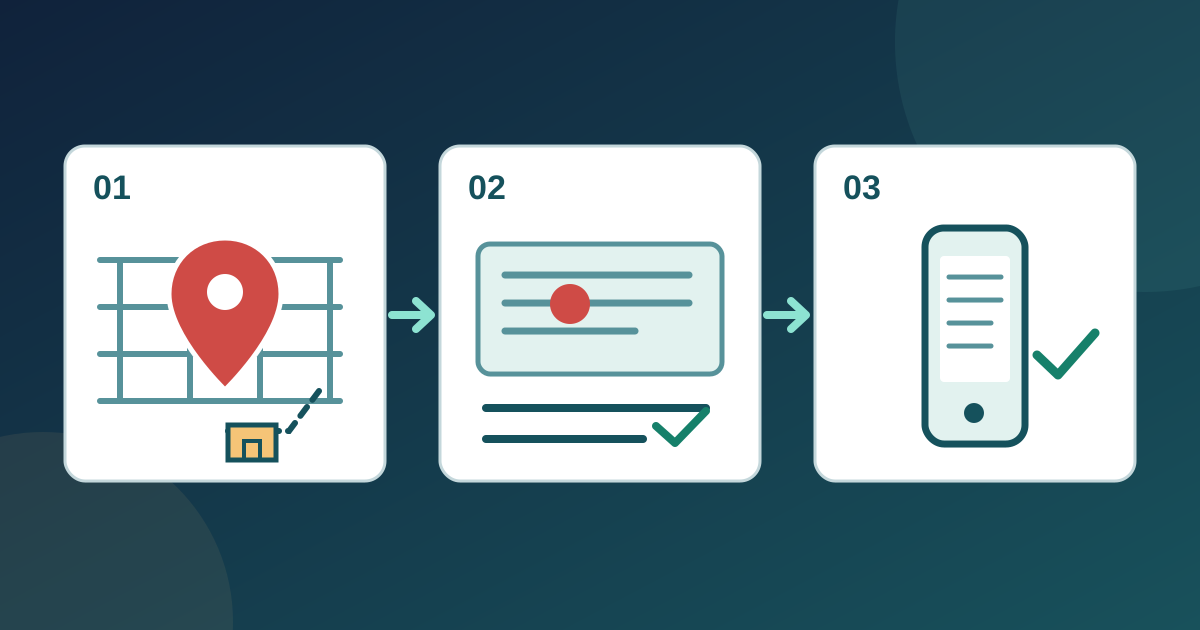
Check the place result and attendee entrance
Download the venue map publish-and-test worksheet (English Markdown)
Compare the map result with the organizer-approved street address. A venue pin may mark a building or campus rather than the door guests should use. Confirm the attendee entrance, accessible arrival instructions and any temporary gate with the venue team. Record the approved place URL and entrance wording; keep private staff access points out of the public page.
Get embed code and place it in your editor
Google Maps Help describes choosing Share or embed map, then Embed a map and Copy HTML; the same sharing flow offers a direct link. Paste the code only into a field your website editor supports. Follow your website editor’s instructions for its embed or custom-HTML field. If embedding is unavailable, publish the direct link. Give the iframe a descriptive title so assistive-technology users can identify the map.[1][2]
Keep address and directions usable
Place the full approved address, entrance description and a clearly named “Open directions” link beside the map. Do not make the map the only source of arrival details. Check that the link opens the intended place rather than a similarly named venue. If your event also has a Boletolibre.com page, compare its published venue information with your own page before sharing either link.
Test the published page and recheck changes
Open the published page as a visitor on a phone and desktop. Follow the directions link; compare pin, route destination, address and entrance text. Use the keyboard to reach the map and link, and check visible focus. Try the page with the embed unavailable: the written details should still guide arrival. Record device, result, correction owner and retest in the worksheet. Recheck after a venue, entrance or map-place change.
Sources and further reading
- Share, send, or print directions from Google MapsGoogle Maps Help · Accessed
- Using the title attribute of the iframe element (H64)W3C WAI · Accessed