How to enable and test Apple Wallet event tickets
A wallet pass is a delivery format, not a new admission right. Before promoting it, check that your ticket provider offers an Apple Wallet pass for this event and that your gate can read it.
Boletolibre editorial team
Published
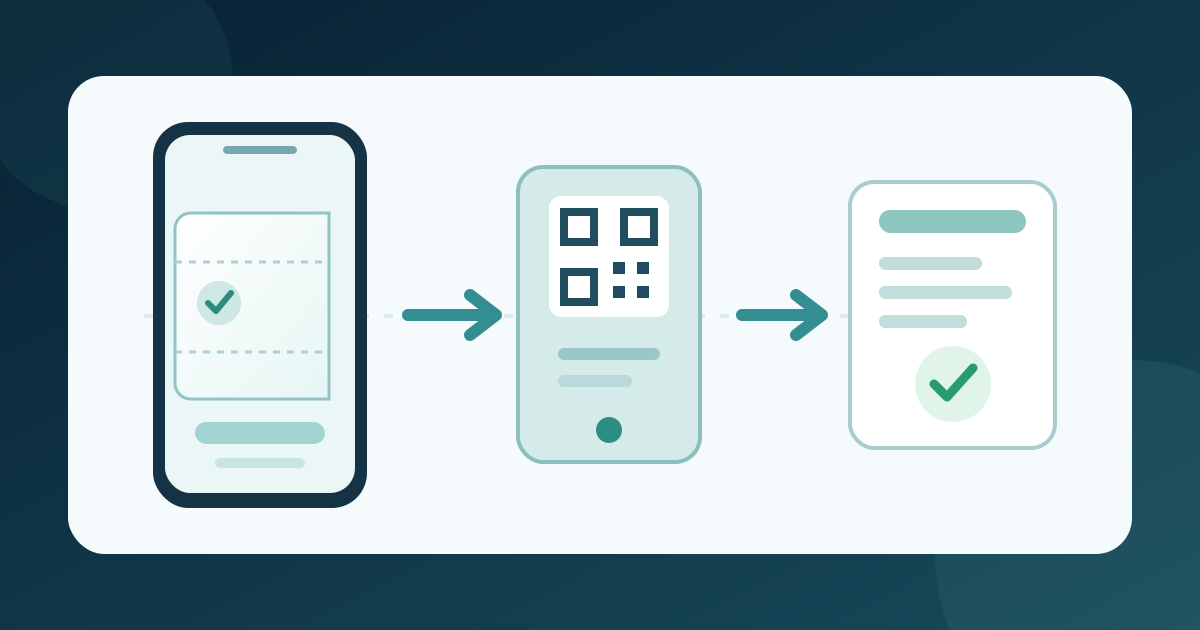
1. Enable the pass at the right scope
Download the wallet-pass activation and gate test card (Markdown, English)
Find the wallet control; note whether it covers one event or the account. EventCreate enables Apple Wallet Passes in its confirmation-page editor. Ticket Tailor activates passes in Box office Settings and says its branding applies to all events in that box office. TicketTool enables wallet tickets in its scanning settings. Record the scope; paths differ by provider.[1][2][3]
2. Inspect a real test ticket
Complete one authorized test registration on a compatible phone. EventCreate shows its Add to Apple Wallet action on the mobile confirmation page; Ticket Tailor puts its button in the confirmation email; TicketTool includes a wallet link there. Add the pass and compare its event, date, ticket type and any seat or entry detail with the issued ticket. Do not assume a PDF or email preview proves the pass.[1][2][3]
3. Test entry and name a fallback
Use the planned gate scanner to check the test pass from the phone screen, then verify the resulting admission record. TicketTool explicitly recommends a phone-screen scanner test. Also test the normal ticket fallback for a buyer who cannot add the pass. Record the setting owner and support route; a wallet button alone does not prove admission works.[3]
Sources and further reading
- How to Enable Apple Wallet for Event TicketsEventCreate Help Center · Accessed
- How to set up your tickets as Apple Wallet passesTicket Tailor Help Centre · Accessed
- Apple Wallet and Google Wallet tickets for eventsTicketTool · Accessed