Event attendance reconciliation template: compare tickets and check-ins
Ticket sales, registrations and admitted attendees answer different questions. A final attendance count needs the ticket list and the door record for the same event or session. The leading template on Google matches those lists; this original workbook uses ticket IDs rather than buyer emails, which is safer for group orders. It starts blank, flags cases to review and does not claim to measure live occupancy.
Boletolibre editorial team
Published
Export the two sources with the same scope
Download the attendance reconciliation workbook (XLSX, English)
Take one current row per ticket ID from the ticketing system and a scan-outcome export for the same event date or session. Keep canceled or voided status visible instead of silently deleting it. Export the scan result as admitted or rejected, not merely that a code was presented. Eventbrite says its Check-ins report contains checked-in tickets, while its Organizer app can validate a code without checking a person in. Check the settings and meaning of your own provider’s export before joining data.[2][3]
Use ticket ID as the join key
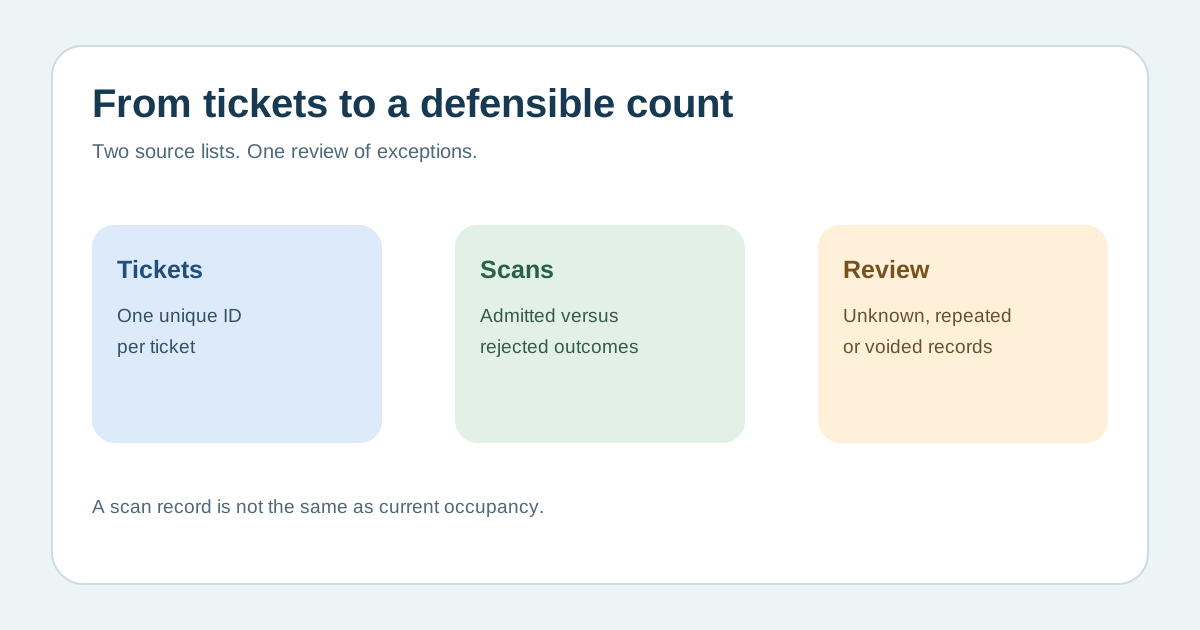
Paste the ticket export into Tickets and each scan attempt into Scans. The workbook counts admitted scans per ID and shows active IDs with an admission, active IDs without one, admitted scans for unknown IDs and tickets with multiple admitted records. Buyer email is unreliable when one person purchases several tickets; the first organic template also notes that group bookings need a ticket ID. Do not merge by name alone. Extend the bounded rows and formulas before importing a larger event.[1]
Investigate differences before reporting a headcount
An unknown admitted ID may be a late sale, a manual correction, an export mismatch or an error. Two admitted records for one ID may be a re-entry or a duplicate that needs review. A voided ticket with an admitted scan needs its timeline checked. The workbook surfaces these cases but cannot decide which event actually occurred. Ask the gate lead to reconcile manual lists, offline devices, re-entry permissions and guest-list admissions against the source system before finalizing a distinct-attendee count.[3][4]
State what the final number means
Report the event or session, cutoff time, ticket populations included, scan setting, exceptions resolved and who approved the count. Keep ticket revenue and live occupancy separate from attendance: an active ticket may be a no-show, and a scan row does not always equal one person currently inside. Eventbrite distinguishes checked-in from canceled attendee statuses. Archive the reconciled output under the event’s access and retention rules, with only the personal data needed for the purpose.[4]
Sources and further reading
- Event attendance reconciliation templateAnalistable · Accessed
- Download your Check-ins reportEventbrite Help Center · Accessed
- Check in attendees with the Organizer appEventbrite Help Center · Accessed
- Glossary of order and attendee statusesEventbrite Help Center · Accessed