Printable event programme template: a one-page attendee schedule
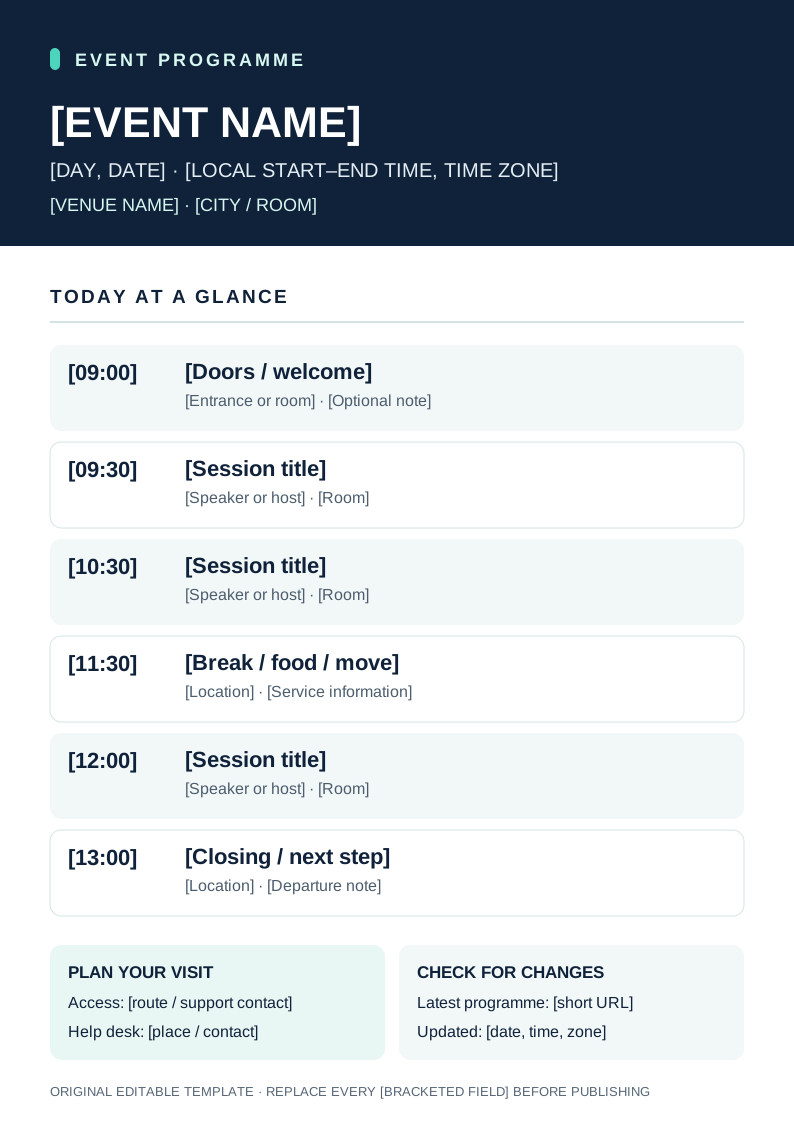
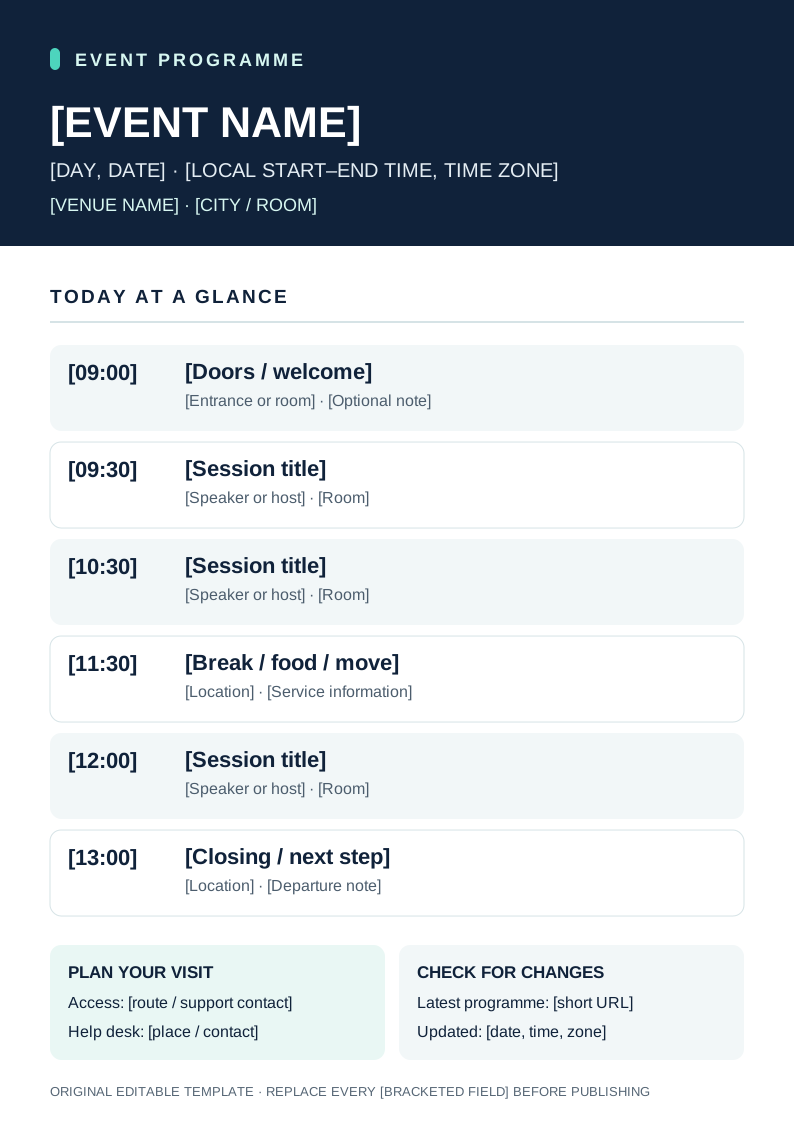
A useful attendee programme answers three questions at a glance: where am I going, when does the next part begin, and where can I check a change? Google’s leading result for event programme templates is a gallery of editable printable designs. This original A4 sheet is ready to adapt, with six agenda rows and space for access, help and update information. It is the public companion to an internal run of show, not a cue sheet.
Boletolibre editorial team
Published
Download the editable one-page design
Download the editable A4 programme (SVG, English placeholders)
Download the programme copy worksheet (Markdown, English)
The SVG is a vector source that you can open in a design editor, replace each bracketed field and print at A4 size. The separate copy worksheet gives one owner and verification source to each field. The design shows sample times only as placeholders; replace them with the approved local schedule and time zone before sharing. If six rows are insufficient, add rows or make a second page rather than shrinking type until it is hard to read.
Put the attendee journey first
Lead with the event name, date, time zone and venue. Then list doors, sessions, room changes, a break and the closing or departure step in chronological order. Use the session title that appears on the current event page, not an internal working name. Include a speaker only once confirmed. Put access and help information where a visitor can find it without scanning a dense schedule. The leading template gallery makes visual hierarchy central; the template uses large times and clear bands for that purpose.[1]
Check every field and the printout
Have a second person compare times, rooms, names, venue, accessible route and help-desk details with the approved event page and venue plan. Open the short URL, rather than merely checking its spelling. Remove internal contact numbers, backstage cues and unresolved placeholder text. Print one sample at actual A4 size and check legibility, margins and contrast before distributing copies. The printable sheet is an aid; the current event page remains the place for full details.
Give each revision a visible update time
Assign one owner to the online programme and another to physical copies. When a session moves, update the authoritative page, notify affected staff, edit the vector source and replace printed copies at distribution points. Show a local date, time and time zone on the sheet so attendees can tell which version they hold. If the printed programme may be stale, direct visitors to the live update URL and the staffed help point. Do not promise that printed material will update itself.
Sources and further reading
- Free editable and printable event program templatesCanva · Accessed