Event content marketing: turn one approved session into useful assets
A useful conference session can inform people who attended, people who missed it and people considering a future edition. Reusing it well takes more than cutting a video into smaller files. Start with an approved source and a real audience question, then make each asset answer that question in the format where it will appear. The register below keeps permissions, facts, destinations and updates attached to the work.
Boletolibre editorial team
Published
Choose one question and a source worth keeping
Pick one question people actually asked before, during or after the event: “What changed in the new guidance?” or “Where can I find the demonstration steps?” Then choose a session, interview or approved speaker answer that addresses it. Note who the answer serves: a first-time attendee, a specialist comparing sessions or someone following up after the event. That audience decision should shape the asset before anyone opens an editing tool.
Do not choose material only because it was recorded. Watch the complete segment and identify the point that stands on its own. A promotional teaser can invite people to the full session; an explainer should deliver an answer without making the reader buy a ticket to understand it. If the source cannot answer the question accurately, choose another source or commission a new answer.
Clear the source before production
Record who controls the session recording, slides, speaker name, images and any demonstrations. Ask the relevant speaker, venue, production or sponsor owner to confirm the uses your team proposes under your actual agreements and approvals. A recording approved for internal review is not necessarily approved for public clips, translated captions or promotional quotes. Keep the decision and limits in the asset register.
Also check what the source exposes. If a participant question includes personal details or a slide contains information that has since changed, edit, replace or hold that segment for the appropriate owner. Set a named reviewer for both content accuracy and publication. This is a production checkpoint, not a legal opinion about ownership or a promise that one approval covers every later use.
Extract the claim, then verify it
Mark the exact timecode or slide where the useful claim appears. Compare it with the current approved programme, speaker materials and any cited document. Do not turn a tentative comment into a definitive headline. If a statistic, date or process step matters, ask its owner for a current source and label the relevant period. Record unresolved questions rather than polishing them into confident copy.
A transcript is a working source, not a final article. Automatic captions can mishear names, technical words or numbers; YouTube’s own help tells creators to review and edit them. Check the transcript against the audio, then rewrite for the new reader: add context, define jargon and remove false starts without changing the meaning. Ask the speaker to check a consequential quotation when the workflow calls for it.[3]
Give each format a distinct job
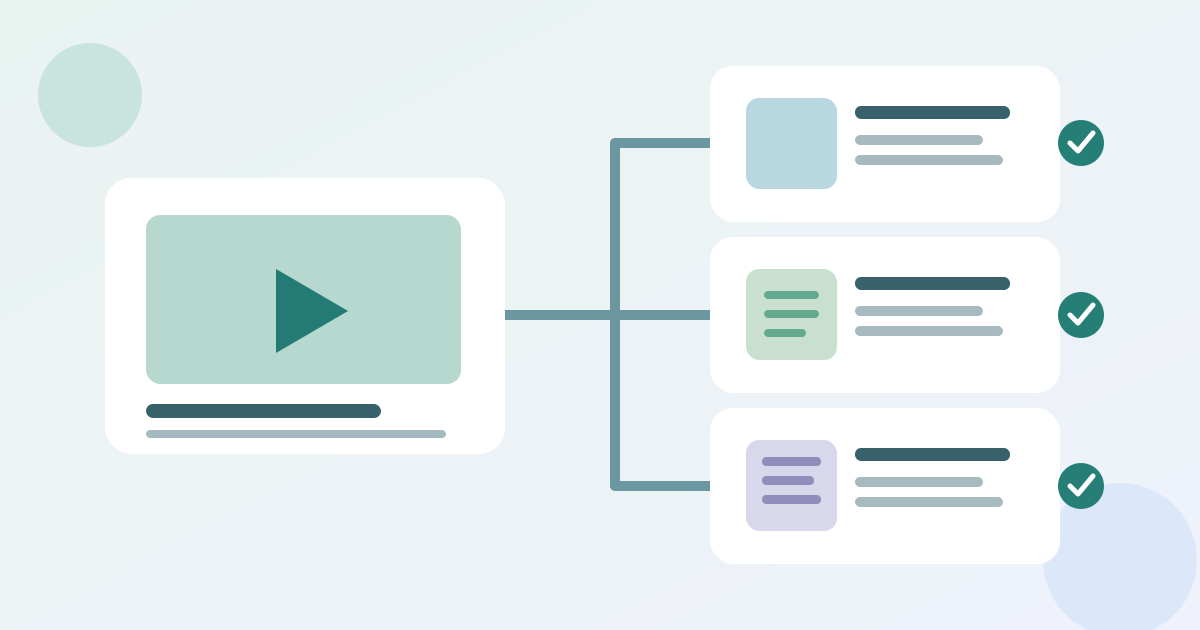
Write a one-line purpose for every derivative. A short page summary helps someone decide whether to watch; an edited clip demonstrates one idea; a newsletter paragraph directs a relevant audience to a full resource; a social excerpt points to the same verified answer. Do not publish four near-identical fragments merely to fill channels. Each piece should be useful on its own and lead to a destination that fulfils its promise.
Build from a small approved set: source recording, verified notes, approved images and the current event fact sheet. Give every derivative a source ID and version. If the session title, availability or speaker affiliation changes, the owner can find all affected outputs. Preserve attribution and context where a claim would otherwise sound like the organizer’s blanket endorsement.
Publish through a useful destination
Choose the destination before composing the call to action. An event website page can host the summary, context, transcript and links to the full media; an email or social post can point there if that is the best maintained source. If the session is private or available only to registrants, say so before inviting the click. Test the published link from an ordinary visitor view and confirm the promised content is actually there.[4]
Use a clear page title and intro that tell the visitor what question the resource answers. Google Search Central recommends original, people-first content rather than pages made mainly to attract search traffic. That guidance supports a useful edited explanation; it does not promise a ranking, registration or revenue result. Keep ticket choices and event facts on their approved current pages instead of repeating stale claims in every asset.
Make the media usable beyond the recording
For a clip, plan captions and a text route to the same information. W3C guidance distinguishes captions, which represent speech and relevant non-speech audio, from transcripts; a descriptive transcript can also include visual information needed to understand the video. If a slide carries a chart or code not spoken aloud, a bare speech transcript may miss the point. Review the final export, not just the editing file.[1][2]
Give images meaningful alternatives when they convey information, and keep essential facts in normal page or email text. Translate captions, summary and links for each intended language audience only when someone can verify the technical terms and names. A machine-produced transcript or translation is a draft to review, not evidence that the published asset is accurate or accessible.
Review results and maintain the assets
After publication, record the live URL, date, owner and next review trigger. Look at whether readers reached or used the destination with whatever reporting is actually available; do not infer that a view or click caused a registration. Collect direct feedback about whether the answer was clear. Compare the result with the audience question, then decide whether to improve, translate, update or retire the asset.
Recheck content when programme facts, source guidance, access rules or speaker details change. If a derivative cannot be corrected promptly, remove its promotion or clearly mark its status while the owner decides the repair. The editable English register below links each asset to its source and release decision so the next campaign does not unknowingly reuse an outdated excerpt.
Download the event source-to-asset register (Markdown, English)
Sources and further reading
- Making Audio and Video Media AccessibleW3C WAI · Accessed
- TranscriptsW3C WAI · Accessed
- Use automatic captioningYouTube Help · Accessed
- Creating helpful, reliable, people-first contentGoogle Search Central · Accessed