Event entrance exception desk: a runbook for disputed check-in
A gate scanner should admit clear, valid tickets and refer ambiguous ones to an authorized person. An exception desk gives staff a place to investigate while the regular entry lane keeps its planned flow. Put the desk, permissions and decision rules in place before doors open.
Boletolibre editorial team
Published
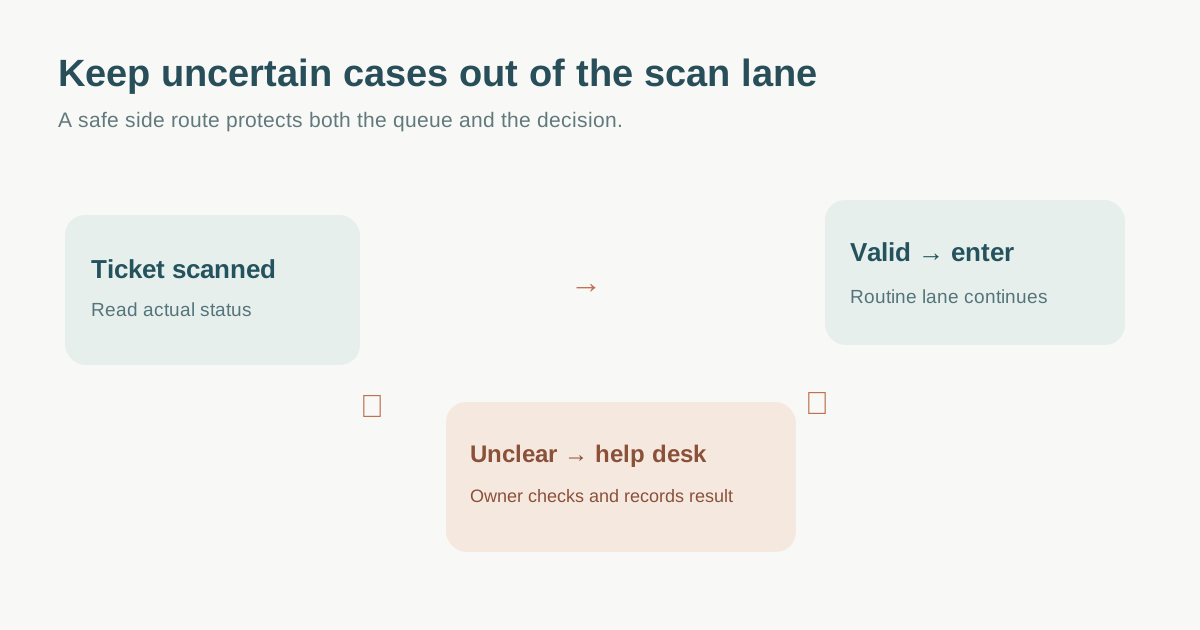
Place the desk off the scan lane with a safe route
Mark a short, signed path from the scanner to a help point that does not cross a vehicle route, block an exit or force people to walk against the entry queue. Keep the desk visible enough to find but private enough for a ticket dispute. The first-ranking fielddrive guide recommends a separate exceptions desk, while UK HSE guidance says people need a safe way out of a queue and emergency routes must remain clear. The actual placement needs venue and crowd-lead approval, not a generic floor-plan rule.[1][2]
Decide who escorts or directs a guest there, whether companions stay together, and how a resolved guest returns to the right entry point. Put staff contact and escalation number on the desk card. The queue marshal can identify a problem; they should not make an unapproved refund, identity or safety decision at the barrier.
Give each common exception a lookup and decision owner
Prepare a short matrix for unreadable QR, name not found, wrong date or zone, duplicate scan, canceled or transferred order, guest-list mismatch, lost band and accessible-route question. Ticket Tailor’s app documents searching by buyer name, attendee name or ticket code; use your own provider’s approved lookup fields and permissions. A name match alone is not proof of entitlement, and a duplicate warning needs record review before admission.[3]
| Signal at gate | Desk verifies | Owner / possible result |
|---|---|---|
| Code unreadable | Ticket/order in source of truth | Reissue or manual check if approved |
| Already checked in | Time, gate and status history | Correct error or refer dispute |
| Wrong date or zone | Product right and event policy | Explain valid route or escalate |
| No record | Order confirmation and sync state | Support investigation; no assumed admission |
Separate information gathering from authorization. Record who can view order details, edit a ticket, reverse a check-in, collect payment, issue a replacement or deny entry. If money, eligibility or a sensitive request is involved, route it to a trained owner and avoid discussing it in front of the queue.
Close the loop before sending a guest back
For each case record a minimal reference, issue, source checked, decision, authorizing person, time and next action. Avoid copying full IDs or payment details into an open paper list. Confirm that the ticket status now matches the decision before directing the guest to a lane; otherwise they may hit the same error again. Keep a pending queue and a way to tell the guest when and where to get an answer.
At handover, tell the next desk lead about open cases, platform sync delays and changed rules. Reconcile overrides against ticket records after the rush. Do not claim a fixed number of exception desks or minutes per case from vendor marketing; staff by observed arrivals, issue rate, available authority and site risk.
Download the entrance exception triage and resolution card (Markdown, English)
Sources and further reading
- A Practical Event Check-In Guidefielddrive · Accessed
- Put crowd controls in placeUK Health and Safety Executive · Accessed
- How to check in attendees with the Check-in appTicket Tailor Help Centre · Accessed