How to set up an access code for hidden event tickets
An access code can reveal selected ticket types while the event page remains public. A reveal is not a discount, reservation, purchase, admission right or identity check. Decide what buyers should see before configuring a provider-specific control, then test the actual checkout path before sharing the code.
Boletolibre editorial team
Published
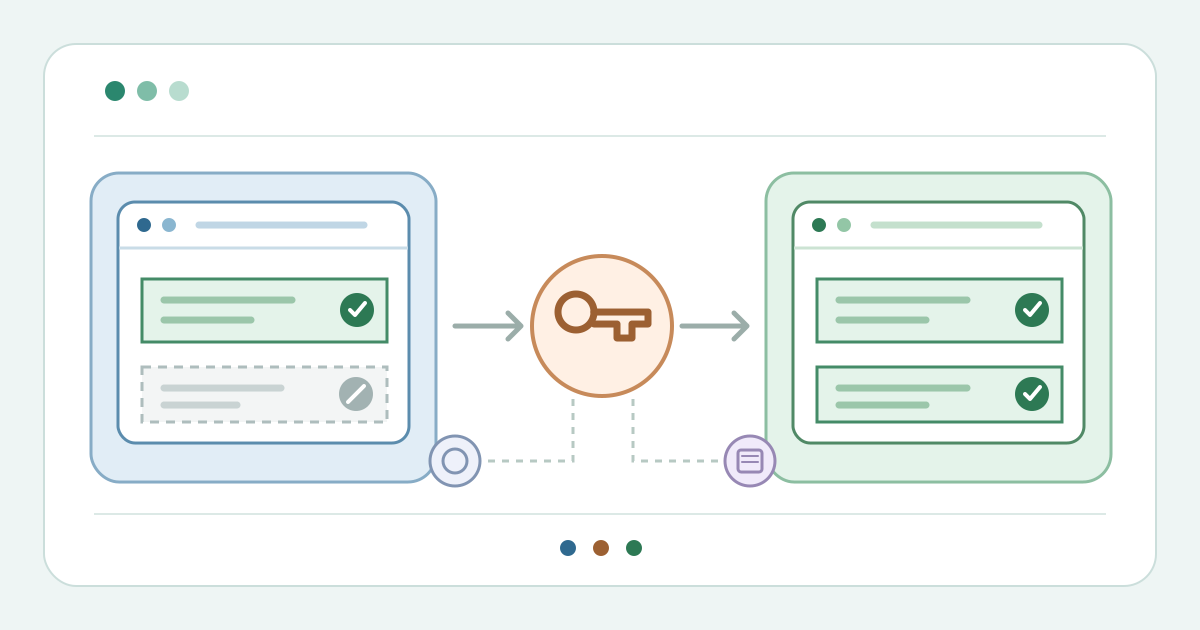
1. Define the audience and exact ticket types
Download the hidden-ticket access-code buyer-view test matrix (Markdown, English)
List the ticket types that should require a code and those that must remain public. Record each type’s current price, sale window, available allocation and intended audience. Decide whether you want a public event page with selected hidden types, or a private event page; those are different settings in some systems. Choose a code owner and an approved sharing channel. Use the worksheet for settings and observations, not for a live code or a contact list. A code can be forwarded, so do not treat possession of it as proof of an invitation or eligibility.
2. Hide only the intended ticket types
Configure visibility at the ticket level where your provider supports it. Ticket Fairy describes Hidden plus Always hidden for the target type; Ticket Tailor uses Access code required; Eventbrite lets organizers hide a ticket type and reveal it through a promotional code; Accelevents maps a code to chosen hidden types. These are different controls, not interchangeable menu labels. Save each targeted type, then inspect the public event page without a code. If another type disappears or a target remains public, correct the mapping before creating links or messages. Hiding a ticket type does not by itself reserve seats or change its price.[1][2][5][6]
3. Attach a code without an accidental discount
Create the provider’s access or promotional code and attach only the chosen ticket types. In Ticket Fairy’s workflow the promotion uses No Discount to reveal tickets at their normal price. Ticket Tailor distinguishes ticket access codes from discount codes. Eventbrite’s promotional-code settings can reveal hidden tickets and separately offer a discount; check that the discount choice matches your plan. Accelevents creates a code for selected hidden tickets or add-ons. Record the code owner, target types, intended price and sharing route, but keep the live code in the authorized platform. Do not copy a reusable code into a public worksheet, screenshot or support article.[1][2][3][4][6]
4. Check dates, stock and code limits
Check the ticket’s own sale dates, active state and remaining allocation, then check the code’s start, end and use limit. Ticket Fairy states that hidden tickets still need to be active, on sale and in allocation; a promotion limit does not add stock. Eventbrite says a revealing code will not make a sold-out or out-of-window ticket purchasable. Accelevents counts a code use only after a qualifying transaction in its system. The meaning of a “use” or quantity limit varies by provider, so label its unit before you promise an audience size. A code is not a hold or a completed order.[1][4][6]
5. Test four buyer views before sharing
Open a clean buyer session and follow the same event link, direct link or embed that recipients will use. Without a code, the target type should be absent while public types remain as planned. With a valid code, inspect exactly which types appear, their price, availability and basket behavior. Try a wrong code and a code outside its intended window in a safe preview or controlled setting; record the actual message and whether anything is unexpectedly revealed. Test on another device or browser path if it differs. Stop before a real purchase unless an approved test transaction is available. Ticket Fairy, Eventbrite and Accelevents all document buyer-side code tests, but their labels and results differ.[1][4][6]
6. Distribute, monitor and close access
Share the verified event link and code, or a provider-generated code link, only through the approved channel. Explain that the ticket still has to be selected and purchased or registered; seeing it is not admission. Ticket Tailor and Accelevents document links that apply their codes, while Ticket Fairy warns that anyone holding its code can use remaining allocation. Monitor the actual ticket and code states rather than assuming secrecy. When the window closes or a code is misdirected, use the provider’s supported disable, replacement or closure path. Repeat the no-code and old-code checks, and test a new code only if one replaces it. Review already issued tickets separately; closing a code does not establish their status.[1][2][6]
Sources and further reading
- Unlock hidden tickets with an access codeTicket Fairy Guides · Accessed
- How to reveal tickets with a codeTicket Tailor Help Centre · Accessed
- How to create discount codesTicket Tailor Help Centre · Accessed
- Create a promotional code for your eventEventbrite Help Center · Accessed
- Create and edit ticket typesEventbrite Help Centre · Accessed
- Create and Apply Access Codes for Event TicketingAccelevents Help Center · Accessed