How to pause and resume sales for one event ticket type
Pausing one ticket type differs from closing the event or declaring it sold out. Identify the exact type and every buyer path showing it. Name who may restart sales and what they must verify.
Boletolibre editorial team
Published
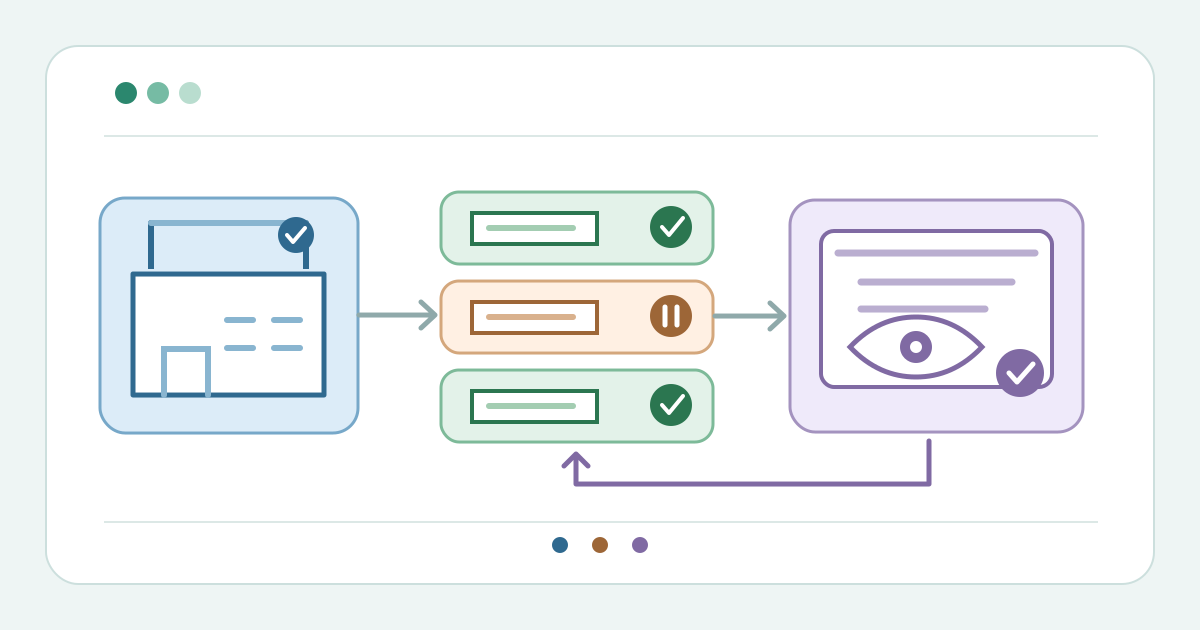
Pause only the intended ticket type
Download the buyer-visibility and restart decision card (Markdown, English)
Record the event, type, reason, current state, issued count and pause time. Choose a type-specific control: GiveNow hides one type while leaving the event listed; Constant Contact offers Pause. Ticket Tailor offers Hidden, Access code required, Display as sold out, Display as unavailable and Only visible to admin. These labels are not interchangeable. A temporary stop does not make stock sold out.[1][2][3]
| Status or control | Question before selecting it |
|---|---|
| Hidden / Pause | Is the type removed from the buyer path? |
| Display as sold out | Is stock truly exhausted, or is this a temporary stop? |
| Access code required | Should only code holders see the type? |
| Admin-only | Should staff still be able to issue it? |
After saving, open the public page as a buyer. Confirm the target is unavailable while intended other types remain. Check direct checkout links and embeds separately. Ticket Tailor lists Hidden separately from Display as sold out and Display as unavailable; verify whether the type disappears or remains visible but unbuyable on each buyer path. GiveNow says hiding a type removes only that type from its purchase form. Inspect issued orders and gate records separately. GiveNow says its sold tickets remain valid, but that is provider-specific.[1][3]
Resume after a buyer-view check
Set a restart trigger, owner and approver. Before resuming, verify actual available stock, event status and sale dates; hiding does not establish a new allocation. GiveNow says re-showing an event does not reveal ticket types still hidden within it, nor does showing a type make it public under a hidden event. Ticket Tailor warns when all types are hidden or admin-only and buyers see no public tickets.[1][3]
Use the provider’s reversible action for that type and record time and operator. Constant Contact documents Resume; GiveNow documents Show. Recheck the event page, checkout link and embed as a buyer. Confirm the target, other types and previously issued records have the intended state. If the pause reason remains unresolved, leave the type unavailable and assign another review.[1][2]
Sources and further reading
- How do I pause ticket sales for an event?GiveNow Help Centre · Accessed
- Creating tickets for an eventConstant Contact Knowledge Base · Accessed
- Can I hide tickets for my event?Ticket Tailor Help Centre · Accessed