How to keep draft event pages out of search before launch
An unpublished event schedule, speaker announcement or registration page may need review before launch. First decide whether the draft is confidential or merely not ready for search. Those are different problems: a search directive changes discovery, while access control decides who can read the page.
Boletolibre editorial team
Published
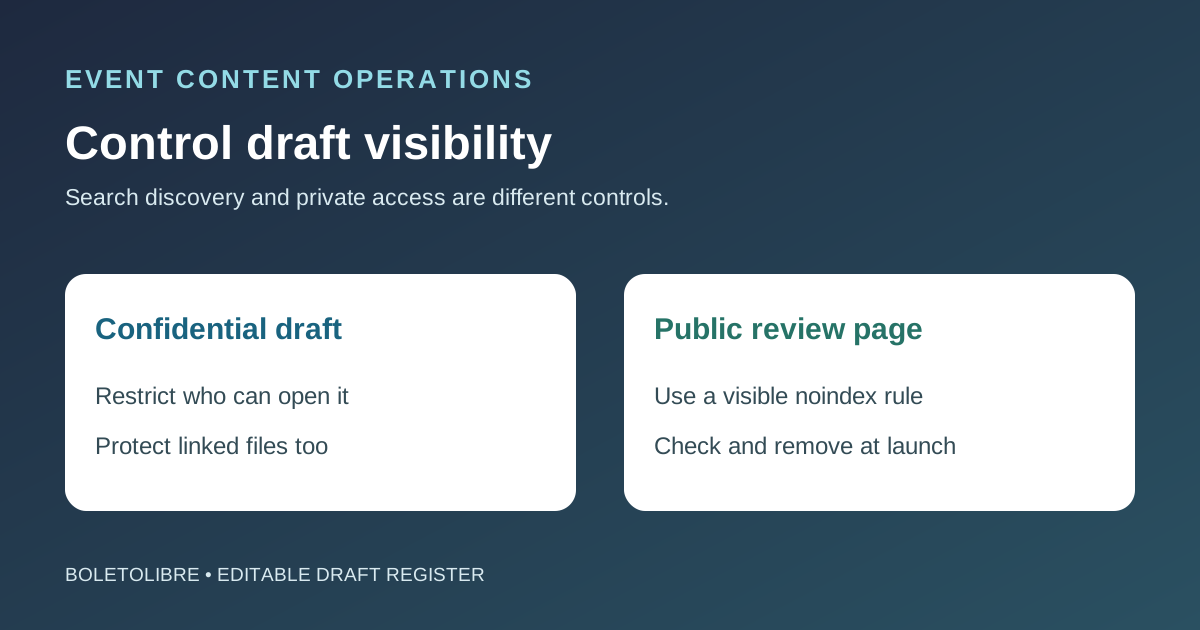
Classify the draft before choosing a control
Download the editable draft visibility register (Markdown, English)
Inventory page URLs, PDFs, images and ticket links created for review. Record owner, reviewer, the harm if a link is shared, and whether the content may be visited directly. Keep drafts out of public navigation, automated feeds and XML sitemaps until approval, but do not mistake an unlinked URL for a secret.
Use access restrictions for confidential drafts
If the venue, lineup, price or ticket path must remain private, use authenticated preview access or avoid publishing the asset to the public web. Google advises password protection for confidential content. A noindex page is still accessible to anyone with its URL; robots.txt can reveal the location of a draft and does not stop people opening it. Review access to linked images and PDFs too.[1][2]
Use noindex correctly for public review pages
For a non-sensitive page that reviewers may open without signing in, a robots noindex meta tag or X-Robots-Tag header can ask supporting search engines not to index it. Google must be able to crawl the URL to see that rule; blocking it in robots.txt can defeat the intended noindex signal. A header can cover PDFs and other non-HTML assets. Check the rendered response and Search Console URL Inspection; do not assume that adding the rule instantly removes a result already indexed.[1][2]
Reverse temporary controls at launch
At approval, confirm the exact final URL, copy, dates, ticket destination and language versions. Remove noindex or preview access only when the page is intended to be public, add approved links/sitemap entries, and verify that the final response no longer carries a stray noindex header or tag. Keep genuinely private resources restricted. Assign the launch owner and evidence in the editable worksheet.[1][2]
Sources and further reading
- Block Search Indexing with noindexGoogle Search Central · Accessed