Publish an RSS feed for an event calendar without losing the event facts
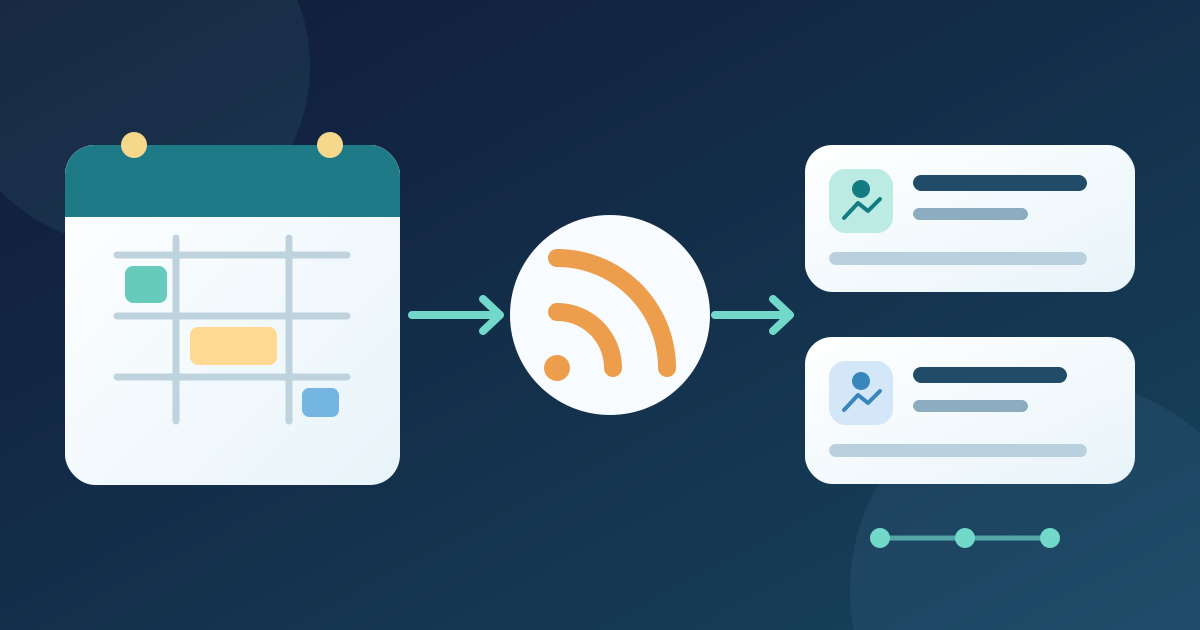
An RSS feed lets readers or other sites discover items from a public event calendar. It suits organizations that maintain several events in one calendar and can publish a feed. RSS distributes web updates; it is neither an add-to-calendar file nor an instant alert. Keep the public event page as the source of current date, place and ticket details.
Boletolibre editorial team
Published
Choose what the feed includes
Choose whether the feed carries all public events, one series, or a venue or category subset. Name its audience and calendar owner. Exclude drafts and internal events; record how the calendar treats cancelled or past events. A broad feed is noisy, while a narrow one must not silently omit relevant events.
Use the calendar’s documented RSS feature if available. CU Boulder describes subscription links and an admin feed builder for its Localist-based calendar. This is a provider-specific example, not a feature every event site has. Without a supported feed, do not post XML that nobody will maintain.[2]
- Scope: all public events / one series / selected venue or category.
- Owner: name the calendar editor and the person who can change feed settings.
Obtain a public feed and inspect its items
Open the public feed URL and inspect its channel title, site link and description; RSS 2.0 requires these fields. Review a new event, a repeated title, and a changed or past event. Each useful item should identify the occurrence and link to its maintained public event page.[1]
Do not mistake RSS `pubDate` for the event start: it means the item’s publication date. Put the approved event date, time and timezone in readable item text or on the linked page, as your platform allows. Check separate ticket-service links directly; a feed cannot keep external pages current.[1]
- Verify channel title, link and description.
- Verify item title or summary, destination and approved event facts.
Test the feed as a subscriber would
Subscribe in a feed reader and compare items with the public calendar. Open links, verify title, date, location and status against the approved record, and check the destination on a phone. Confirm that private drafts are absent and cancelled events are not presented as upcoming without explanation.
Edit a safe sample through the normal calendar workflow and observe when the feed and reader show the change. Reader polling and caching vary, so record the observed delay rather than promising immediate delivery. Keep the RSS URL stable; update its advertised link if it changes.
- Compare a new, repeated-title, changed, cancelled and private example.
- Record actual update delay in a feed reader.
Download the event RSS scope and release worksheet (Markdown, English)
Give the feed a maintainer and a fallback
Place a clearly named feed link near the public calendar, beside a normal HTML event list. Explain whether it covers all events or one series. The HTML list serves visitors without a feed reader.
Assign an editor to recheck the feed when an event date, venue, status or URL changes. Log sample items and a review date in the worksheet. If the feed fails or its provider changes, fix its link and keep the public calendar readable; RSS is not the only route for important changes.
- Publish a stable feed URL and a normal event-list link.
- Recheck after edits and provider changes.
Sources and further reading
- RSS 2.0 SpecificationRSS Advisory Board · Accessed
- Creating an RSS Feed of EventsUniversity of Colorado Boulder · Accessed