Publish event session replays for attendees: release and viewer checks
Publish each approved session recording separately. Confirm its file and audience, prepare media details, then test the attendee path. Keep recordings still processing or awaiting review off the public list.
Boletolibre editorial team
Published
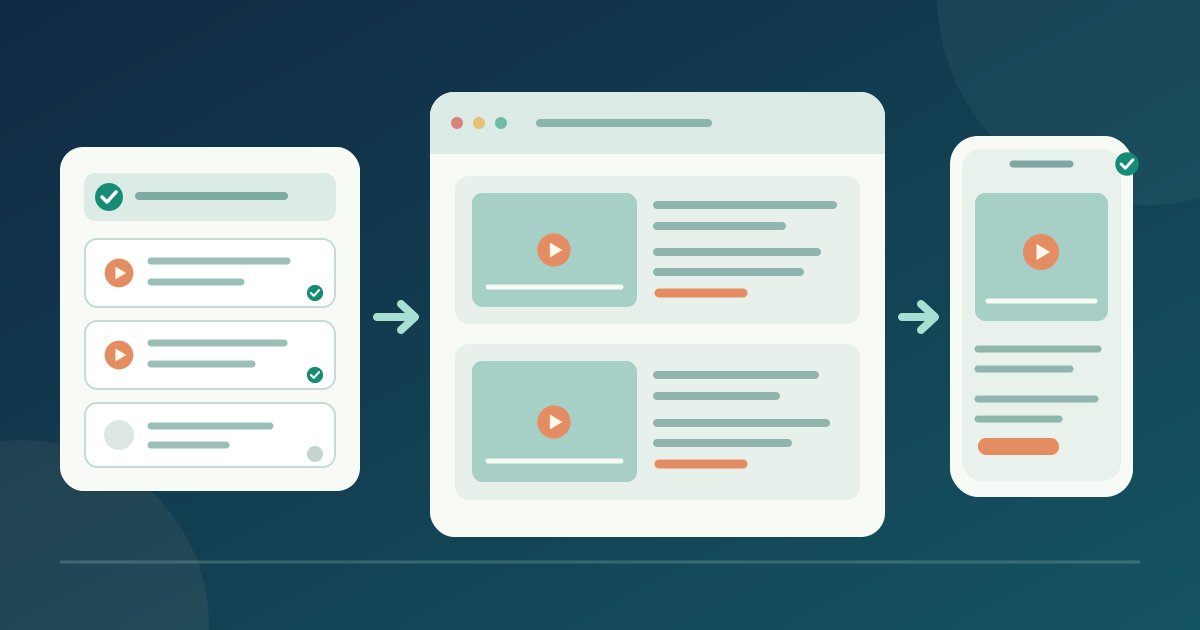
Confirm the session and release status
Download the per-session replay release matrix (English Markdown)
Use the approved programme for edition, session ID, title, date and speakers. Ask the content owner which file version may be shown and to whom. Mark missing files, unfinished edits and open approvals as pending.
Check the start, end and audio. Confirm the planned captions or transcript. W3C distinguishes captions, transcripts and description of visual information; choose support for the recording rather than treating one as a substitute for all.[1]
Set the actual viewer path
Choose an event-page player or direct host link. Record each session’s URL, audience and host visibility. A public page link cannot override host restrictions; an editor preview does not prove attendee access.
Follow the host’s current instructions. YouTube Unlisted links can be reshared; Vimeo supports domain-specific embedding in applicable settings. If the recording is processing, show its status without promising a completion time.[2][3]
Publish one clear entry per session
Give each replay a final title, edition, date, speakers, short description and named playback link or player. Link its current programme entry. Label approved materials or transcripts separately with their formats.
Replace stale Watch live wording and private production URLs. For multiple sessions, keep a separate approved URL and release state for each; use the worksheet to prevent swapped links.
Test, update and close the replay
Open the published page signed out or as the intended attendee. On phone and desktop, play each video, inspect captions and links, and use keyboard controls. Offer a direct link after embed failure only if approved and tested for that viewer.
Record reviewer, device, account state, result and correction owner per session. Retest after file or host-setting changes. Assign each replay a review or removal date and owner; when access ends, update labels and links.
Sources and further reading
- Making Audio and Video Media AccessibleW3C WAI · Accessed
- Change video privacy settingsYouTube Help · Accessed
- How do I set up domain-level privacy?Vimeo Help Center · Accessed