Publish session handouts on an event website
A session handout should lead to the right approved file for the right audience. Track each file by session, choose its access route, then test the published download as a visitor.
Boletolibre editorial team
Published
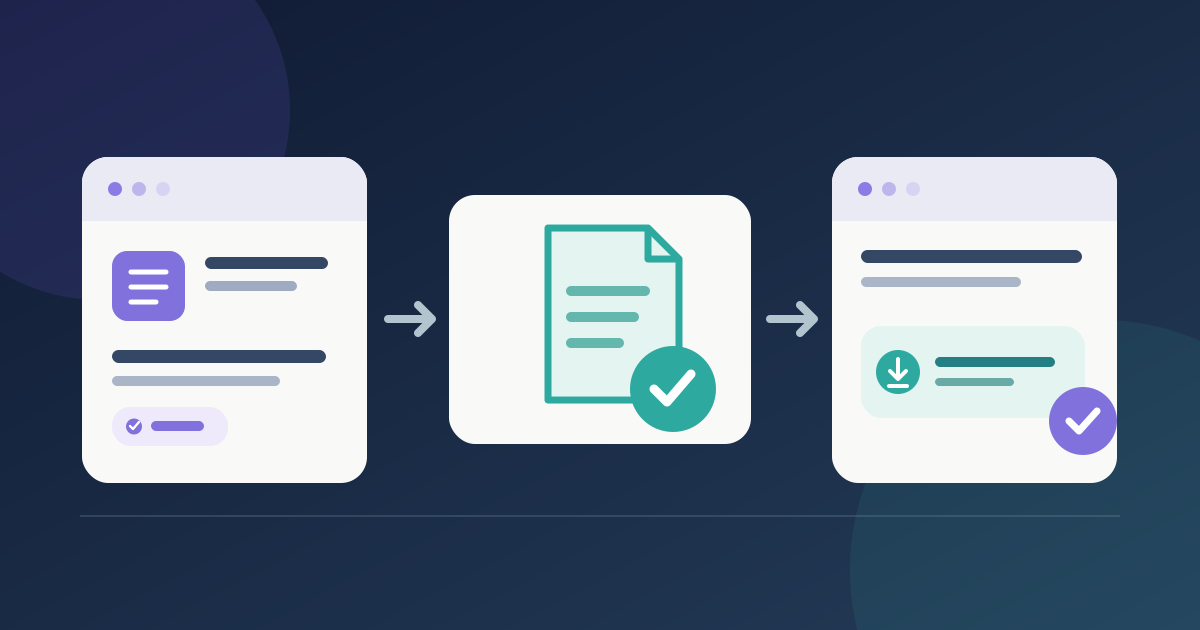
Match the approved file to the session
Download the session handout release sheet (English Markdown)
Use the approved programme to pair each session ID and title with its owner-approved handout. Record the filename, revision and intended audience. Keep a draft or unapproved replacement off the attendee page.
Publish the attendee route
Place a clearly named file link beside its session, or use the event platform’s document control. In Cvent Attendee Hub, session documents can appear on the attendee website or app, with configurable visibility and download permissions; follow your provider’s current steps. A privately stored file is not yet a working attendee link.[1]
Test and maintain the live link
Open the published page as the intended attendee, including signed-out access where relevant. Open the file on a phone and with keyboard navigation. Name the link by session and format so its purpose is clear. After replacing a file, retest the live destination and remove stale links.[2]
Sources and further reading
- How do I upload session documents?Cvent Support · Accessed
- G91: Providing link text that describes the purpose of a linkW3C WAI · Accessed