QR code check-in vs paper guest lists: choose an event entry method
The useful question is not whether QR scanning is universally faster than paper. It is which method can verify this event’s admission rules, handle guests without a code and leave a trustworthy record at the entrances you actually have. The leading comparison page favors QR and frames paper as a tiny-event option, but its speed and cost claims are not universal. Test the chosen ticketing system and venue conditions before deciding.
Boletolibre editorial team
Published
Download the check-in method decision worksheet
Download the QR, name lookup and paper comparison worksheet (Markdown, English)
Use the same event-specific requirements for all three options. The worksheet records what the chosen provider does, what staff observed in a rehearsal, who owns exceptions and what activates a fallback. It contains no real attendee data.
Separate three methods often grouped as two
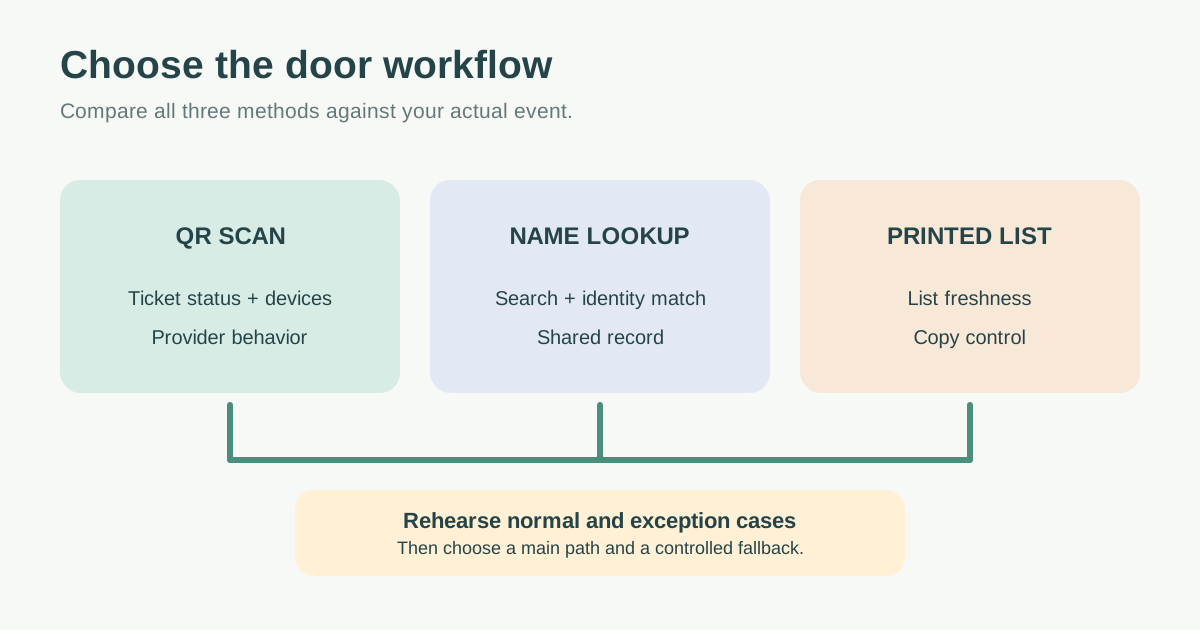
QR scanning reads a ticket code and lets the admission system check the corresponding record. Digital name lookup searches an up-to-date registration or ticket record without requiring a code. A printed guest list is a fixed snapshot that staff mark by hand. They may be used together: Eventbrite, as one product-specific example, documents scanning and manual lookup in its organizer app, plus a printable check-in list. Other providers may differ.[2][3]
| Method | What to verify before choosing | Typical exception to rehearse |
|---|---|---|
| QR scan | Correct event/date/zone, used-ticket handling and connected or offline behavior | Unreadable code, copied code or guest without a phone |
| Digital name lookup | Search fields, same-name handling, live updates and staff permissions | Group order, changed name or late registration |
| Printed list | Generation time, distribution and how updates reach each copy | Late purchase, transfer or duplicate manual mark |
Do not mistake a readable QR image for an approved entry. In Eventbrite’s documented default scan mode, the app reports a previously checked-in or wrong-event code; its validate-only setting does not check a person in. Test the mode staff will actually use.[2]
Choose by constraints, not a universal winner
If admissions change close to doors, a static printed list needs a controlled update method. If several entrances operate at once, ask whether their records share current used-ticket state; otherwise a duplicate may not be obvious at a second lane. If many guests have no usable code, provide name lookup or a support desk rather than making the main queue adjudicate each case. For every method, decide who may view attendee data and who can override a restriction.
Estimate real cost from the equipment, data connection, printing, setup, training, staffing, support and post-event transcription your plan requires. Measure actual processing and exception time during a small rehearsal with your own tickets, not a vendor’s generic seconds-per-scan claim. Paper can be appropriate when the list is short, stable and managed by one steward; a digital workflow is valuable when current status, several lanes or immediate reporting are required. These are decision factors, not fixed size thresholds.[1]
Run the same rehearsal for each viable method
Try a valid ticket, wrong-event or already-used ticket, late sale or transfer, same-name guest and no-phone arrival. Test the real entrance lighting, devices, connection and staff roles. Observe how an accepted entry is recorded and what the support desk sees. Eventbrite’s help distinguishes scanning from searching manually and lists a printed PDF option; use the corresponding official guide for your provider rather than assuming identical controls.[2][3]
Assign a primary method, a backup trigger and an admission-hold trigger. If you use paper, write down when the list was printed, who holds each copy, how late changes are communicated and how the marked copies will be secured and reconciled. If a device goes offline, follow a separate provider-tested recovery plan, because two disconnected devices may not coordinate admissions.
Reconcile what happened at the doors
At close, compare accepted scans or digital check-ins with manual marks and support-desk decisions. Investigate differences without inventing a single “attendance” number from ticket sales. Limit who can keep any printed list and handle it under the event’s data policy. The method choice should leave an auditable account of who was admitted, while allowing staff to resolve genuine exceptions respectfully.
Sources and further reading
- QR Code Check-in vs Paper Guest Lists: Which Is Right for Your Event?SG Event Check-in · Accessed
- Check in attendees at your event with the Eventbrite app for organizersEventbrite Help Centre · Accessed
- Print a check-in listEventbrite Help Centre · Accessed