How to redeem prepaid event add-ons at check-in
A prepaid T-shirt, parking pass or food item may arrive with an event order, but handing it over is a separate task from admitting the buyer. Use the current item record, not a ticket scan alone, to decide what is still owed.
Boletolibre editorial team
Published
Prepare the pickup station
Download the item handover card (Markdown, English)
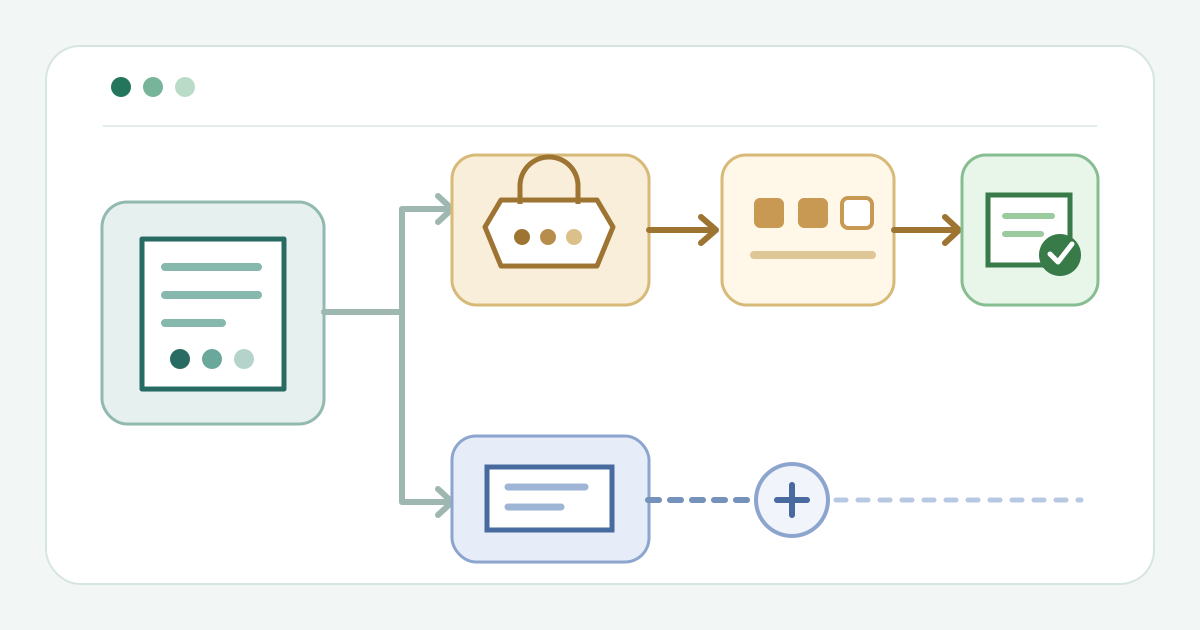
Before doors open, identify where your provider shows purchased extras and their fulfillment status. Test one authorized order containing a ticket and an extra. Tell staff whether they must find a separate item voucher or open the order’s item record. Assign an exception lead for missing or disputed items.
Find the specific extra
Open the correct event and current order or voucher. In Ticket Tailor, a Product needs the “issue a ticket voucher” setting for a QR code redeemable in its Check-in app; staff can filter the Doorlist to Products only. TicketSignup describes separate store-item fulfillment and staff configurations for ticket check-in, store check-in, or both. These are provider-specific routes, not interchangeable controls.[1][2]
Verify quantity before handover
Compare the item and variant requested with the purchased quantity and any amount already fulfilled. Hand over only the quantity the current record supports. If the extra is absent, already fulfilled, or ambiguous, pause and send the order reference to the exception lead. Do not mark an item fulfilled while a payment or entitlement question remains unresolved.
Record the item, then check admission separately
After the physical handover, use the provider’s item-specific redemption action and refresh the record. Confirm the intended item and quantity now show as fulfilled where that detail is available. TicketSignup says its Tickets App can track bundled and standalone purchases; this does not establish the same behavior elsewhere. Keep any unresolved reference for the next shift. An extra redeemed at pickup does not prove the person has been admitted: check the entry credential through the event’s separate admission process.[2]
Sources and further reading
- How to redeem Products using the check-in appTicket Tailor Help Centre · Accessed
- Tickets App for CheckInTicketSignup · Accessed