How to require one event ticket type with another at checkout
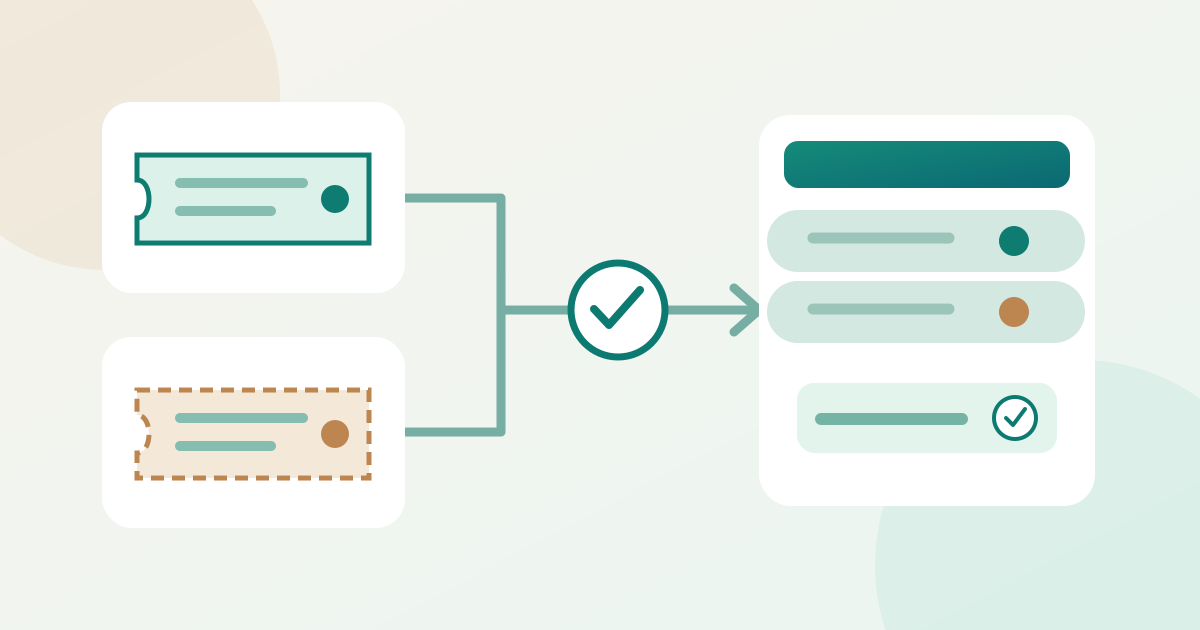
A ticket dependency makes one ticket type purchasable only when a qualifying ticket is selected in the buyer journey. Use it for a genuine same-purchase prerequisite, such as a workshop place that requires main-event entry. It is different from a bundle, a per-order quantity cap, or a future sales window.
Boletolibre editorial team
Published
1. Name the prerequisite and dependent type
Download the dependency buyer-path card (Markdown, English)
Write the exact ticket names, event date or occurrence, and why the dependent type needs the prerequisite. Decide which parent types qualify if several entry tickets exist. Confirm separately that each ticket still has the intended admission or session entitlement; the purchase rule alone is not a gate-access check. Keep each type’s capacity and price in its own approved setup. If the required entry sells out, decide who will review the dependent offer rather than assuming its stock changes automatically.
2. Configure the supported rule
Create or identify the parent and dependent types in the platform. Ticket Tailor documents a dependent type’s Advanced settings option, “Only available with other ticket types or bundles,” followed by selecting required types or bundles and writing an invalid-selection message. Skiddle documents a Ticket Dependency selector in its ticket editor and a locked dependent listing until a selected parent ticket unlocks it. These are provider-specific controls and buyer presentations. Choose the exact permitted parent set, save, and reopen the rule to verify it. Do not use a purchase dependency to time a later ticket release.[1][2]
3. Test both basket paths
In a supported preview or authorized test route, try the dependent type alone and record the actual refusal or lock. Then select a qualifying parent plus the dependent type and confirm the basket can proceed through the relevant checkout step. Also try a nonqualifying type and, when events have multiple dates, a parent for the wrong occurrence. Check the customer-facing explanation so the buyer knows what to add. Do not infer from a greyed-out listing that the rule was fully tested; verify the actual basket behavior.
| Controlled basket | Expected check |
|---|---|
| Dependent type alone | Blocked or locked by the actual rule |
| Qualifying parent + dependent | Permitted through the checked checkout step |
| Wrong parent or occurrence | Not treated as qualifying unless deliberately configured |
4. Check the buyer view and handoff
Inspect the published buyer view on a narrow screen as well as a normal one. Confirm that names, dates, quantities and the dependency message are understandable, and that a parent-only purchase remains possible if intended. Ticket Tailor says a dependent type can display as sold out when its required type is sold out or hidden, without changing actual dependent inventory; other platforms can behave differently. Record the outcome and a named owner for later parent-ticket changes. If an intended combination fails or an invalid one proceeds, correct the rule and rerun the paths before relying on it.[3]
Sources and further reading
- How can I set up ticket dependencies?Ticket Tailor · Accessed
- Ticket DependenciesSkiddle · Accessed
- Understanding sold-out status for dependent ticketsTicket Tailor · Accessed