Set up separate in-person and online registration for a hybrid event
A hybrid event has two ways to attend, but the booking system may represent them as separate listings or as ticket types on one listing. Choose the supported model before publishing so buyers can tell which route they are taking.
Boletolibre editorial team
Published
Choose the platform’s registration model
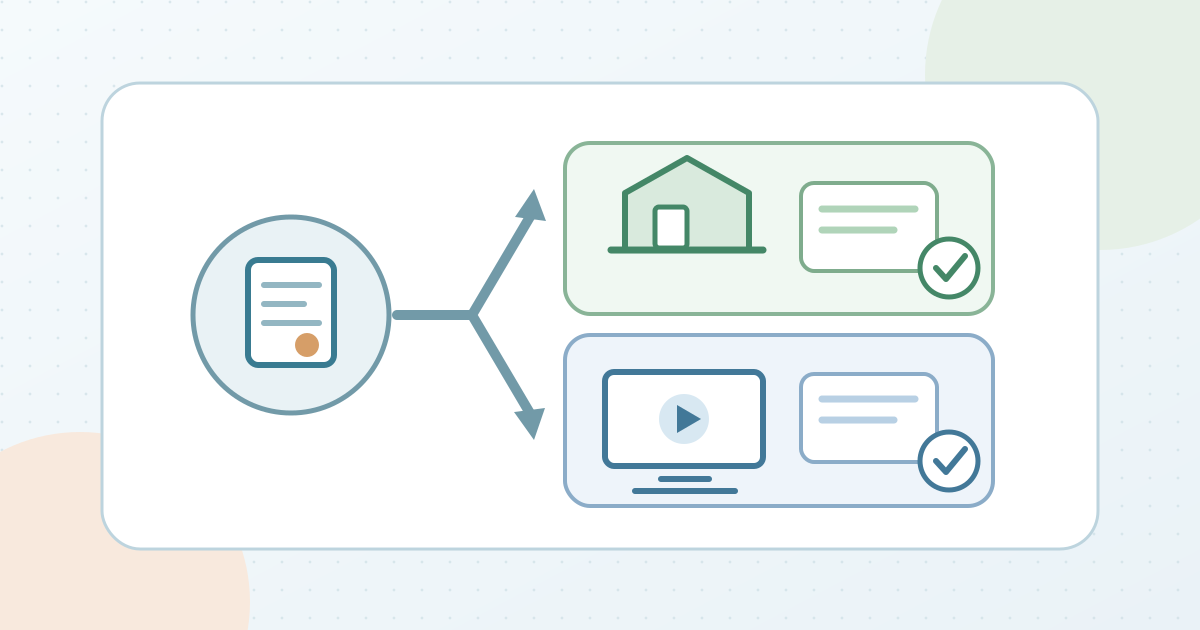
Eventbrite’s hybrid-event help recommends two listings: a venue event and an online event. It suggests clear mode labels and a link from each description to the other listing. Ticket Tailor describes a different arrangement: one event can offer distinct in-person and virtual ticket types. Follow the controls actually available in your platform; do not assume a virtual option inherits the physical event’s location, capacity or joining details.[1][2]
Make each buyer route unmistakable
For the in-person route, show the correct venue, date, arrival information and what the ticket admits. For the online route, state whether access is live and where the confirmed holder will find approved joining instructions. If using two listings, check the reciprocal links and any copied date, time zone, description and sales settings independently. If using two ticket types, check each type’s name, description and quantity. Keep physical capacity and virtual attendance counts separate in your planning record rather than treating an online registration as a seat in the room.[1][3]
Test both bookings before launch
Open the public buyer view for each path. Place a controlled sample booking only through a supported test method, or inspect the complete checkout and confirmation preview when a booking would create a charge or live entitlement. Confirm that the selected mode, date and event identity persist through the result. Check whether the in-person buyer sees the venue and the online buyer receives the intended joining information. Ticket Tailor documents conditional confirmation content by ticket type; configure and verify that feature only if your setup uses it. Assign an owner to fix a cross-linked wrong listing, missing online instructions or incorrect capacity before opening sales.[4]
Sources and further reading
- Create online/in-person hybrid eventsEventbrite Help Center · Accessed
- How to run a hybrid event: a practical step-by-step guideTicket Tailor · Accessed
- How to manage Ticket types and GroupsTicket Tailor Help Centre · Accessed
- Can I send event information per ticket type?Ticket Tailor Help Centre · Accessed