Sold-out event announcement templates for social posts and ticket pages
When an event sells out, the public message should remove guesswork: which date or ticket category is full, whether any official waitlist exists, and where people should check for a verified update. Use the original editable graphics and copy prompts below only after the ticket inventory owner confirms the status.
Boletolibre editorial team
Published
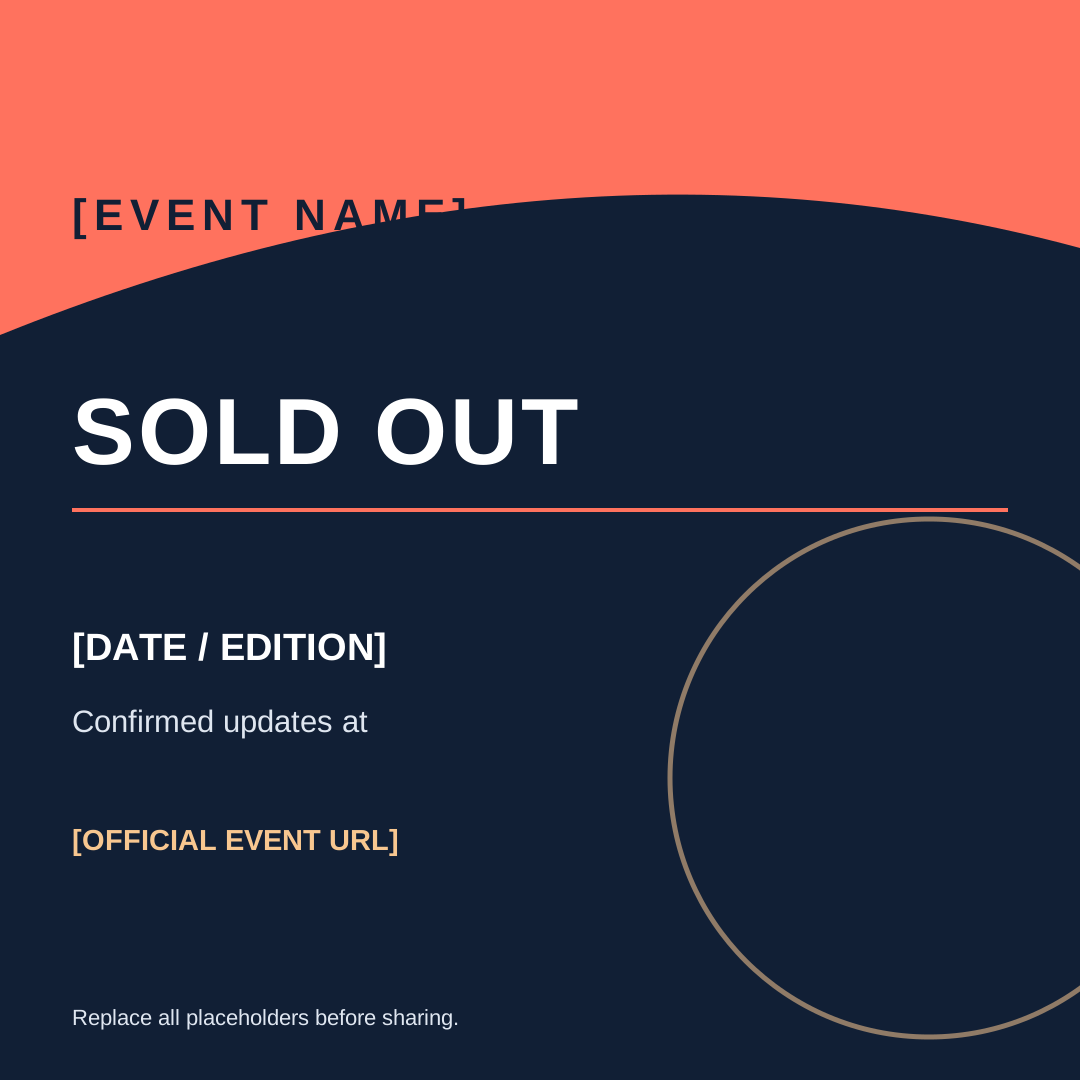
Download the editable sold-out graphics
Download the editable square post (SVG)
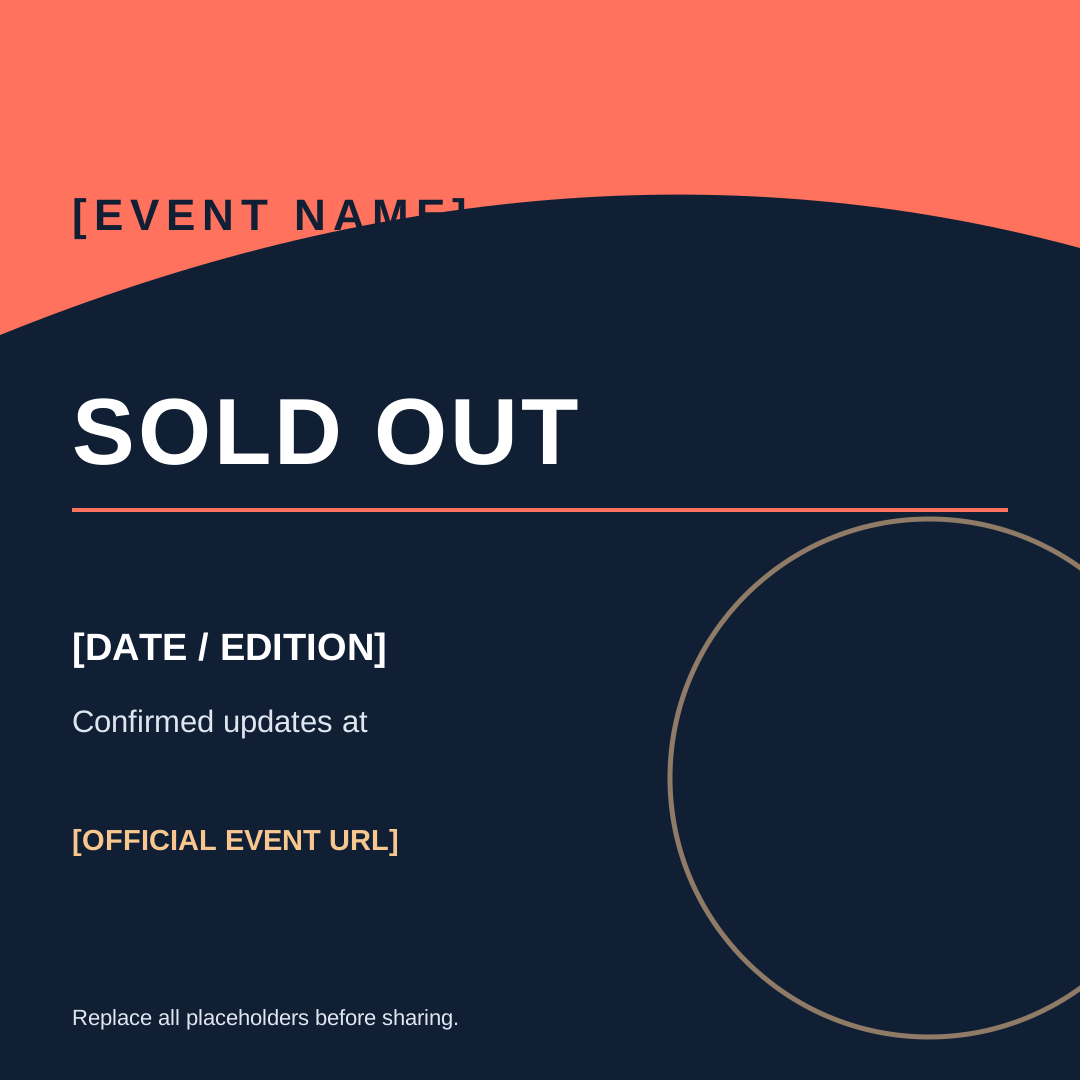
Download the editable story (SVG)
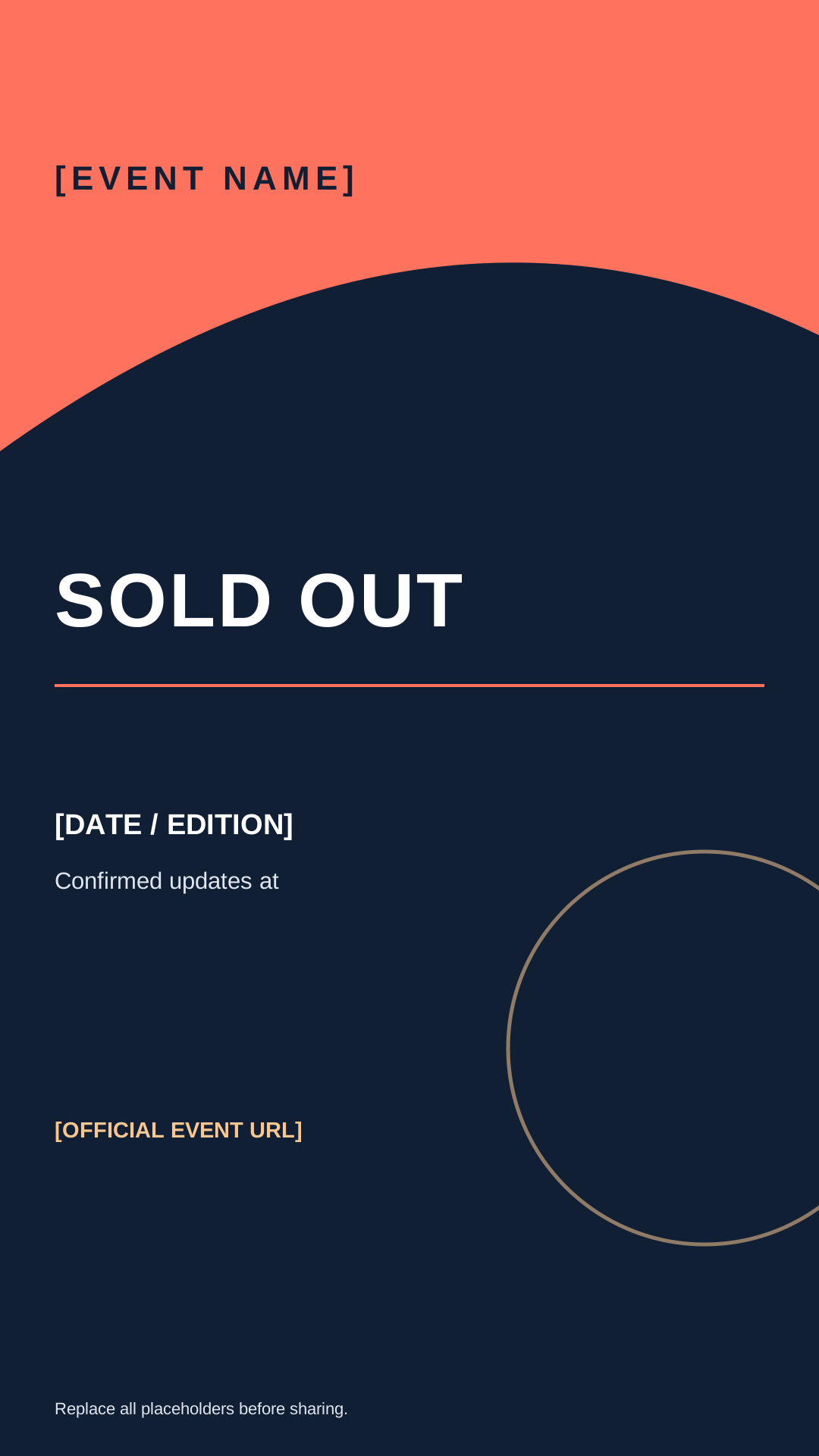
Download the announcement copy sheet (Markdown)
Choose a square post or portrait story. Replace every bracketed field with the event name, edition, date, official URL and a truthful next step. The art is a starting point; review contrast, crop and readable text on the actual platform before publishing. Do not place a waitlist call to action on the graphic if no list exists.
Confirm exactly what is sold out
Ask the inventory owner to confirm the sold-out scope at the time of posting. One category, one date or one session may be full while another remains available. Verify the event page and the actual purchase handoff, then record who approved the wording and when. “Sold out” should not be used as a scarcity tactic for tickets still offered through an official channel.
Use a message that matches the next step
For a fully sold-out event: “Tickets for [EVENT] on [DATE] are sold out. Thank you for the response. Check [OFFICIAL URL] for confirmed updates.” If an official waitlist is open, add “Join the official waitlist at [URL]; joining does not guarantee a ticket.” For a sold-out category, name that category and state which other official options are still available. Do not promise a second release unless it is approved.
Keep every public channel consistent
Update the event website, ticket button or availability label, scheduled ads, pinned posts, email links, partner graphics and support replies from the same confirmed status. If you share the event on Boletolibre.com, check that the public event details and linked ticket destination match the announcement. Assign one owner to correct stale posts and give support staff the exact approved URL.
If official availability changes
If a legitimate allocation later opens, publish a dated correction with the affected category, quantity only if confirmed, release time and official purchase route. Remove an outdated “sold out” graphic from prominent placements or mark it as superseded. If a waitlist is used, follow its published ordering and notification rules rather than telling followers to buy from unofficial resale accounts.