How to correct a name on an event ticket or registration
A misspelled name can be a simple profile edit, an attendee-field correction, or a ticket transfer subject to the event’s rules. Start with the original order and the official ticket provider, not a screenshot or a replacement ticket from a stranger. The correct route depends on who bought the order, which field is wrong and whether the event checks names at entry.
Boletolibre editorial team
Published
Identify what actually needs changing
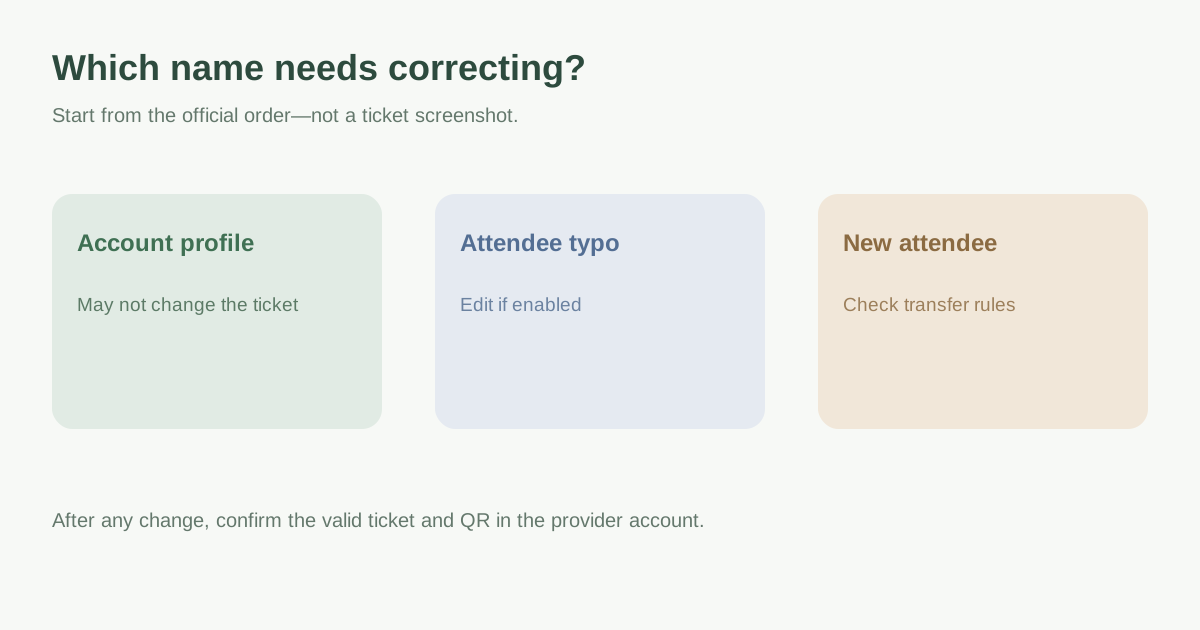
Check whether the typo appears on the purchaser account, the order buyer, an individual attendee ticket, or an invoice. These are not always the same record. A correction for the same person differs from assigning the ticket to someone else. Note the event, order reference, ticket type and intended correct spelling, then read the organizer’s name and transfer rules. Do not assume a small typo will always be accepted at the door, or that a different attendee can be substituted freely.
| Problem | Likely route | Do not assume |
|---|---|---|
| Purchaser profile only | Account settings or provider support | It updates the ticket holder too |
| Individual attendee name | Ticket or order edit, if enabled | It is available for every event |
| Different person attending | Official transfer/name-change process | A typo edit authorizes transfer |
| ID-checked/nominative ticket | Event-specific provider instructions | Entry with old ticket remains valid |
Try the provider’s official self-service path
Open the order in the same account used to buy it and look for an Edit, Attendee Name, or Change Name action on the specific ticket. Eventbrite says the original purchaser can edit order information only when the organizer permits it; some orders have separate attendee fields. Tixr likewise says its attendee-name edit appears only when enabled by the organizer. The menu and permissions can change, so use the current official help page for your provider and event rather than a general tutorial.[2][4]
The first organic Google result is a Ticketmaster Italia procedure for nominative tickets. It describes a change-name request that can cancel the old ticket and issue a new one, with specific costs or delivery steps. That Italian process is not a universal Ticketmaster or event rule. If your provider calls the action a transfer, read the effect on the ticket and QR code before submitting.[1]
If editing is unavailable, contact the right owner
Use the organizer or provider contact link on the official event or order page. Give the order reference, affected ticket and the correction requested; do not post full order numbers, ID documents or ticket QR codes publicly. Ask whether the event requires exact identity matching, who may authorize a name change, whether a transfer is allowed, whether there is a deadline or fee, and whether a replacement ticket will be issued. Share identity evidence only through the verified channel the organizer actually requires.[2][4]
For organizers, choose a controlled support path: locate the right order, establish whether the requester is the purchaser or authorized attendee, classify typo versus transfer, apply the event/provider policy, make the permitted change in the ticket system, and document who approved it. Eventbrite’s organizer help distinguishes ticket buyer from attendee fields and describes editing orders; your own platform may work differently.[3]
Confirm the record and ticket after the change
Reopen the order or wallet and check the corrected attendee name on the right ticket. Check any new confirmation email, whether the old QR code was invalidated, and which ticket must be presented at the entrance. If check-in staff use a roster export, ensure the current record is available to them without circulating unnecessary personal data. Keep the provider confirmation and contact support again if the displayed name, seat or ticket status still conflicts.[1][2]
Download the attendee-name correction support card (Markdown, English)
Sources and further reading
- How can I make a name change request?Ticketmaster Italia Help · Accessed
- Edit your order informationEventbrite Help Center · Accessed
- Edit attendee information and add notesEventbrite Help Center · Accessed
- How to change the name on your ticketsTixr Knowledge Base · Accessed