How to check in part of a group ticket order
A group order can cover several people arriving separately. Before scanning, check whether the provider tracks individual tickets or treats the order as one combined credential. An all-order action can mark absent guests present.
Boletolibre editorial team
Published
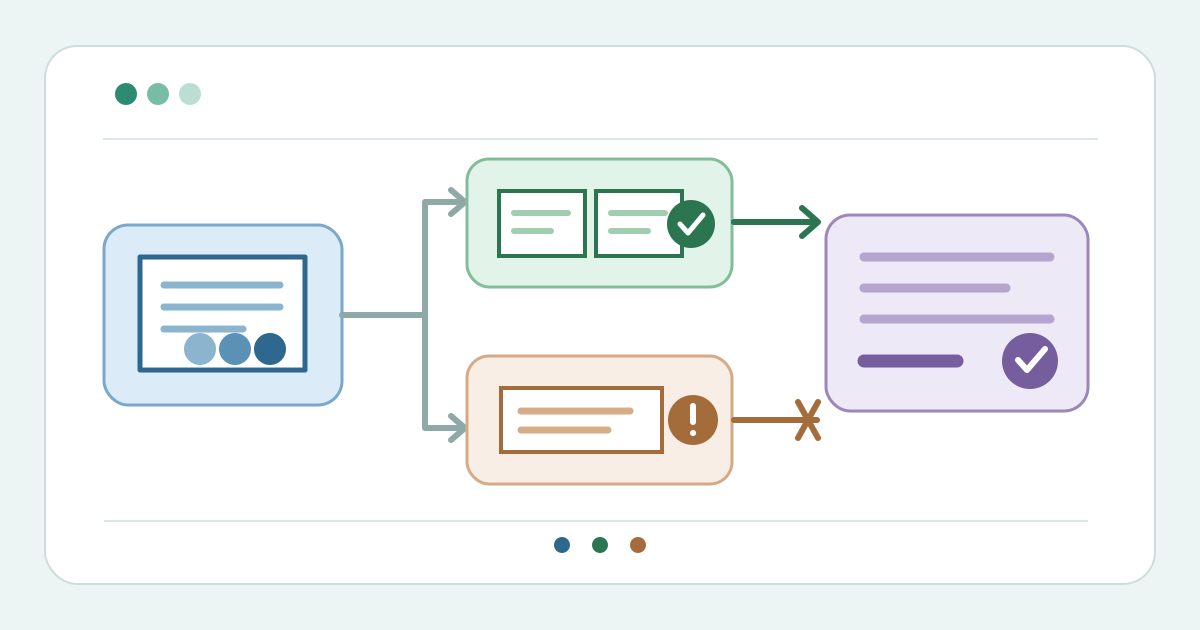
Count the people and entitlements
Download the partial-arrival desk card (Markdown, English)
Open the correct event and order. Compare admissions purchased, people present and tickets already used. Identify each current ticket or seat reference to be admitted. Do not treat the purchaser as every attendee. Resolve mismatched quantities or disputed entitlements with the gate lead before changing status.
Identify the provider’s check-in model
Test the gate view before doors open. TicketLeap has separate whole-order and individual-ticket actions. Ticket Tailor’s optional group-scan setting displays all order items and permits selecting a subset. Peatix says scanning its combined ticket checks in the whole order. A group order therefore does not guarantee partial check-in.[1][3][2]
| Gate record | Route to verify |
|---|---|
| Individual ticket states | Select only the tickets presented |
| Combined credential | Use the provider-approved transfer or exception route |
| Unclear or inconsistent | Pause; inspect the current order and ask the gate lead |
Use ticket-level check-in when supported
When individual states exist, select only current ticket references for people at the gate. TicketLeap can check in a specific ticket number or seat. Ticket Tailor’s group view can select some items. Confirm the selected count before committing; avoid an all-items action for a partial arrival.[1][3]
Pause on a combined credential
Do not scan a combined credential if that would mark absent guests present. Peatix recommends transferring individual tickets before arrival or using a manual attendee list when transfer was not completed. It warns that checking in the order before a companion claims a transfer can block the claim. Follow the approved exception route; a manual note does not change platform status.[2]
Verify the remaining state
Refresh the order after admission. Reconcile purchased, previously checked-in, newly admitted and still-expected tickets. TicketLeap displays sold, redeemed and remaining totals; inspect the specific order too. If the route was manual, record the platform status and door log separately. Escalate disagreement rather than marking an absent guest present.[1][2]
Hand over later arrivals
Tell the next shift which ticket references remain unused, whether a transfer is pending, and who owns exceptions. Keep names and contact details in the ticketing system or controlled door list; the downloadable card uses references and counts. Recheck the current entitlement when later guests arrive.
Sources and further reading
- How to check in attendees using a web browserTicketLeap Support · Accessed
- Can I check in attendees and their companions separately if they order multiple tickets?Peatix Help Organizer · Accessed
- Can I check in a group all at once?Ticket Tailor Help Centre · Accessed