How to release held seats for event ticket sales
A hold keeps selected seats or ticket quantity out of normal sale for a defined purpose. Releasing one is an inventory change, not additional venue capacity. This guide starts after the owner approves release of house, artist or production inventory for one performance. It covers both making seats public and fulfilling tickets directly from a hold; choose one outcome before changing anything.
Boletolibre editorial team
Published
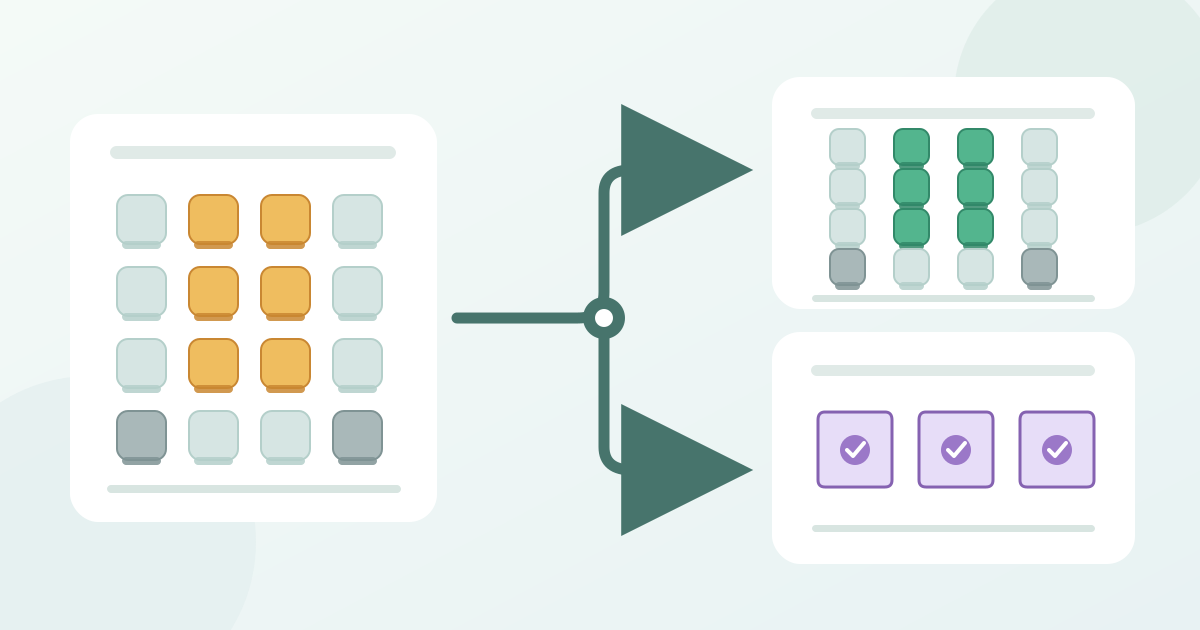
1. Approve the exact inventory and destination
Download the hold-release ledger (Markdown, English)
Record the event, performance, hold reference, inventory owner and reason for release. List exact section, row and seat IDs for reserved seating, or the ticket type and quantity for general admission. Confirm that each unit is still held and unsold. A seat already assigned to a buyer calls for a post-sale seat-change process, not this release. Keep attendee names and ticket codes out of the shared ledger.
Write down the approved capacity, held count, public availability and sold or issued count from the live provider view before acting. Check recent orders and any other active allocations. Decide whether the selected inventory should become publicly selectable or should be issued to specific recipients while remaining outside public sale. If a seat is committed, disputed or outside the approved batch, pause that seat and give the exception to the inventory owner. Do not increase the total supply to compensate.
2. Change the hold in the supported provider path
For reserved seating, select only the authorized seat IDs in the live map. Eventbrite documents removing selected seats from a named hold with its minus control; it also says deleting a hold makes its held seats available to buyers. Yapsody uses Channel (Hold) Codes in its Box Office, where its release path is No Channel followed by Apply Changes. Those controls are provider-specific. Check the scope of any whole-row, section or hold action before saving, and preserve the seats that must remain held.[1][2]
For a quantity-based general-admission hold, confirm the ticket type and exact number to release before reducing or removing it. Eventbrite documents general-admission holds separately and says deleting a hold returns the held allocation to buyer availability; its general-admission hold feature does not apply to recurring events. Yapsody says a general-admission section in a reserved-seating event can be assigned to a channel only as a whole. Neither detail proves that another system supports partial releases or uses the same stock controls. If the intended subset cannot be selected safely, revise the release plan with the owner.[1][2]
Make one approved batch change at a time and capture the provider response. Reopen the hold to check the remaining seats or quantity. Do not mistake removal of a hold label for proof that the seats reached public checkout. Likewise, issuing directly from held stock is a separate action from making that stock public; it should create the intended ticket entitlement through the provider’s supported route. Stop if the interface would expose a larger batch than the approval covers.
3. Reconcile the live sale and admission records
For a public release, check the exact performance, ticket type and seat IDs in the buyer-facing selection and box-office views. Confirm the intended seats can be chosen, unrelated held seats remain blocked, and sold or already issued seats do not become selectable. Compare before and after held, available and sold or issued counts. The approved capacity should be unchanged; explain every movement between inventory states. If a released seat still cannot be bought, or a protected seat appears, pause sales of the affected inventory and assign an owner to correct it.
If the approved outcome is direct fulfillment, use the platform’s held-inventory route rather than making the seats public first. Eventbrite describes access-code, Organizer app and manual-order routes for selling or issuing tickets from its holds. Treat those as Eventbrite options, not universal controls. Verify the resulting ticket, seat assignment and admission or gate record for the correct performance. A hold record or screenshot by itself is not an admission credential; confirm what the recipient actually receives.[1]
Have a second reviewer compare the ledger with the current hold list, public checkout, box-office inventory and any issued tickets. Record the final held balance, exact released or issued seat IDs, time and operator. Tell sales and entrance teams which seats are now public and which were fulfilled from hold, with an owner for unresolved mismatches. Repeat the check after another release or issuance batch affects the same performance. Close only when the seat map, counts and intended buyer or recipient view agree.
Sources and further reading
- Create and manage holdsEventbrite Help Center · Accessed
- How to Hold or Release SeatsYapsody Support · Accessed