How to undo an accidental event check-in
If a guest was marked checked in without entering, verify the error before changing the attendance record.
Boletolibre editorial team
Published
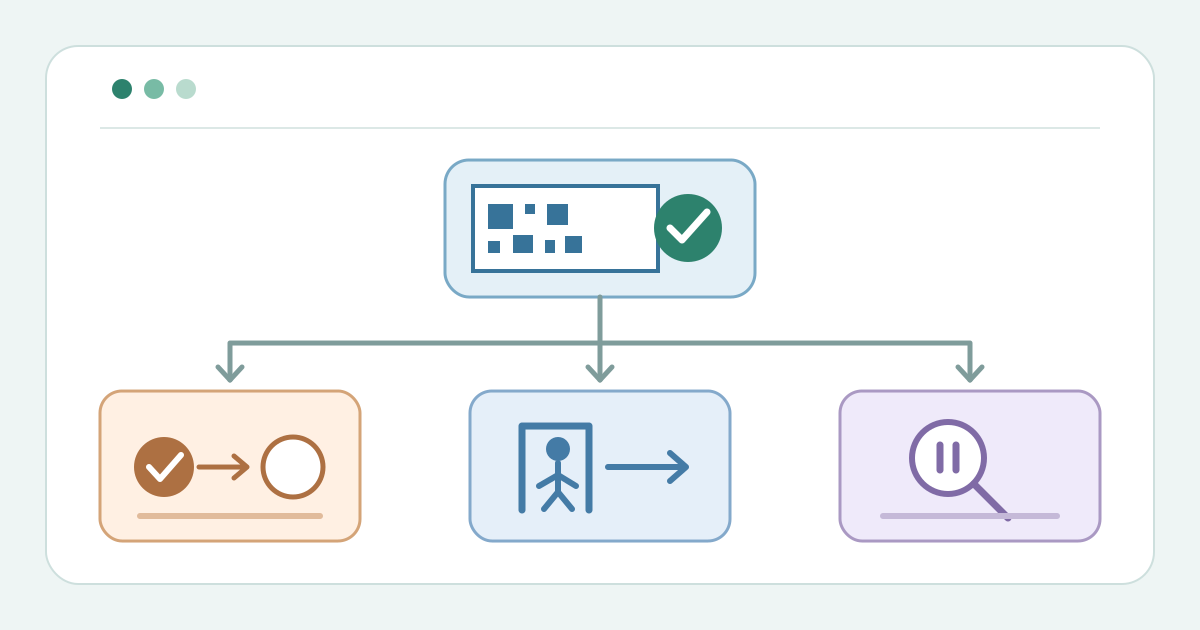
Confirm whether entry happened
Download the accidental check-in correction card (Markdown, English)
Find the exact ticket and event occurrence. Ask the gate operator whether admission happened. A real exit belongs in checkout or re-entry; Cvent separates checkout from Undo. If the facts are uncertain, ask the gate lead before editing.[1][2]
Undo only the mistaken mark
For a confirmed mistaken mark, correct only that record. Cvent OnArrival offers Undo on the attendee registration; Zeffy offers Mark as not checked-in in ticket details. Do not cancel the ticket.[1][2]
Verify the corrected status
Refresh and verify the check-in status. Zeffy says an unchecked guest counts as not attended in its check-in manager. Record the reason, time and operator in the controlled incident log.[3]
Sources and further reading
- How can I undo a check-in in OnArrival?Cvent Knowledge Base · Accessed
- How to "unscan" or "uncheck" a guest that was accidentally checked-inZeffy Help Center · Accessed
- Checking-in guests the day of your eventZeffy Help Center · Accessed